

Black and White Photo ConverterRemove color while keeping the light, texture and composition of your photo. Adjust the strength and save a PNG.
Sepia Filter for Warm, Vintage Photos
Give your photo warm brown tones with a sepia filter. Move the strength slider from a subtle tint to a stronger vintage look, compare the preview, and save the version you prefer.
Choose a photo
Give your photo a warm vintage look.
OriginalResult
Choose warmth without adding damage
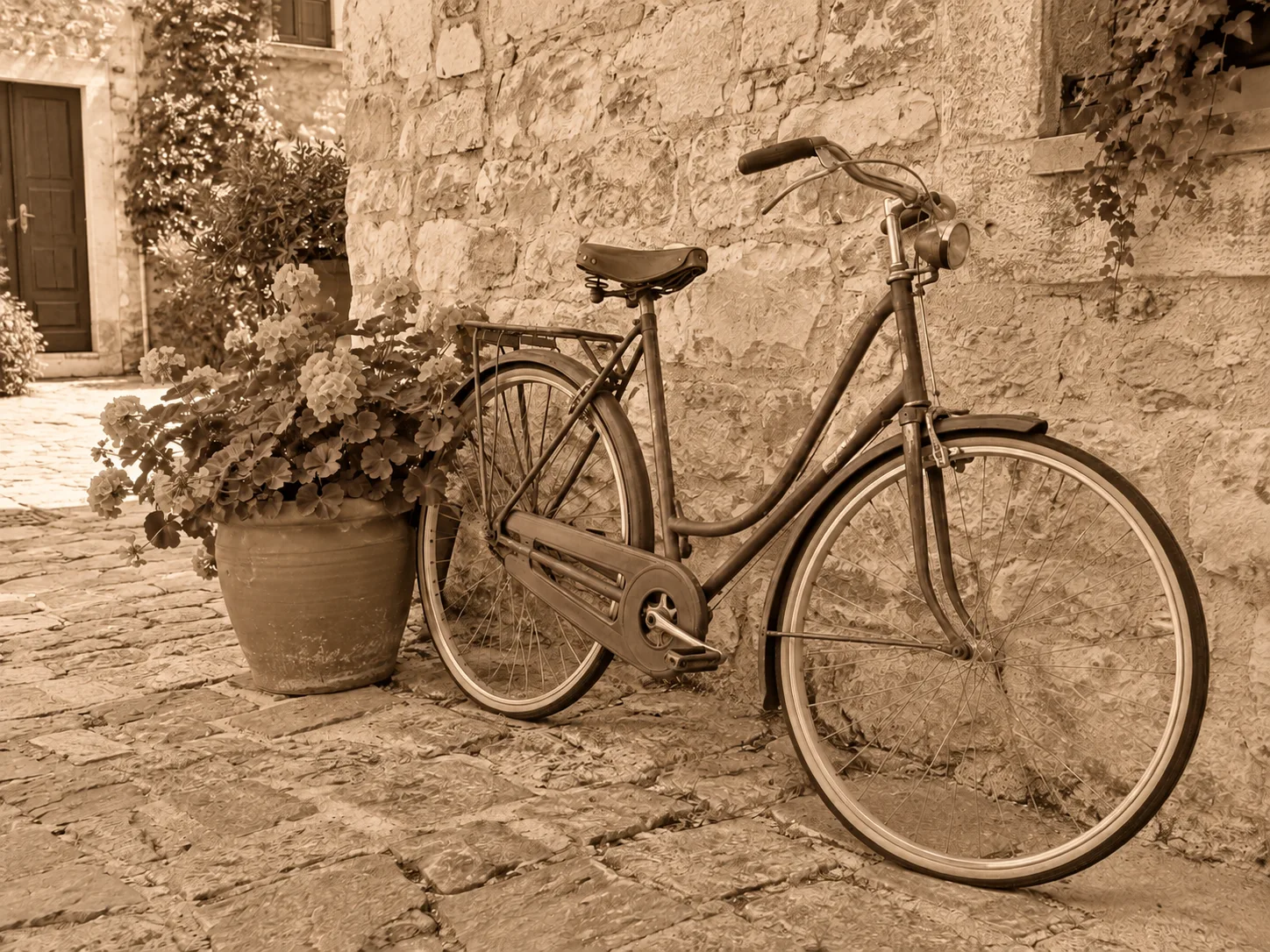
Sepia replaces a photo’s color palette with brown tones. It can suggest an older print without adding scratches, torn edges or invented historical details.
- Subtle
- A light brown tint retains some original color.
- Balanced
- A clear classic sepia treatment keeps tonal detail.
- Strong
- Rich brown monochrome creates a deeper vintage look.
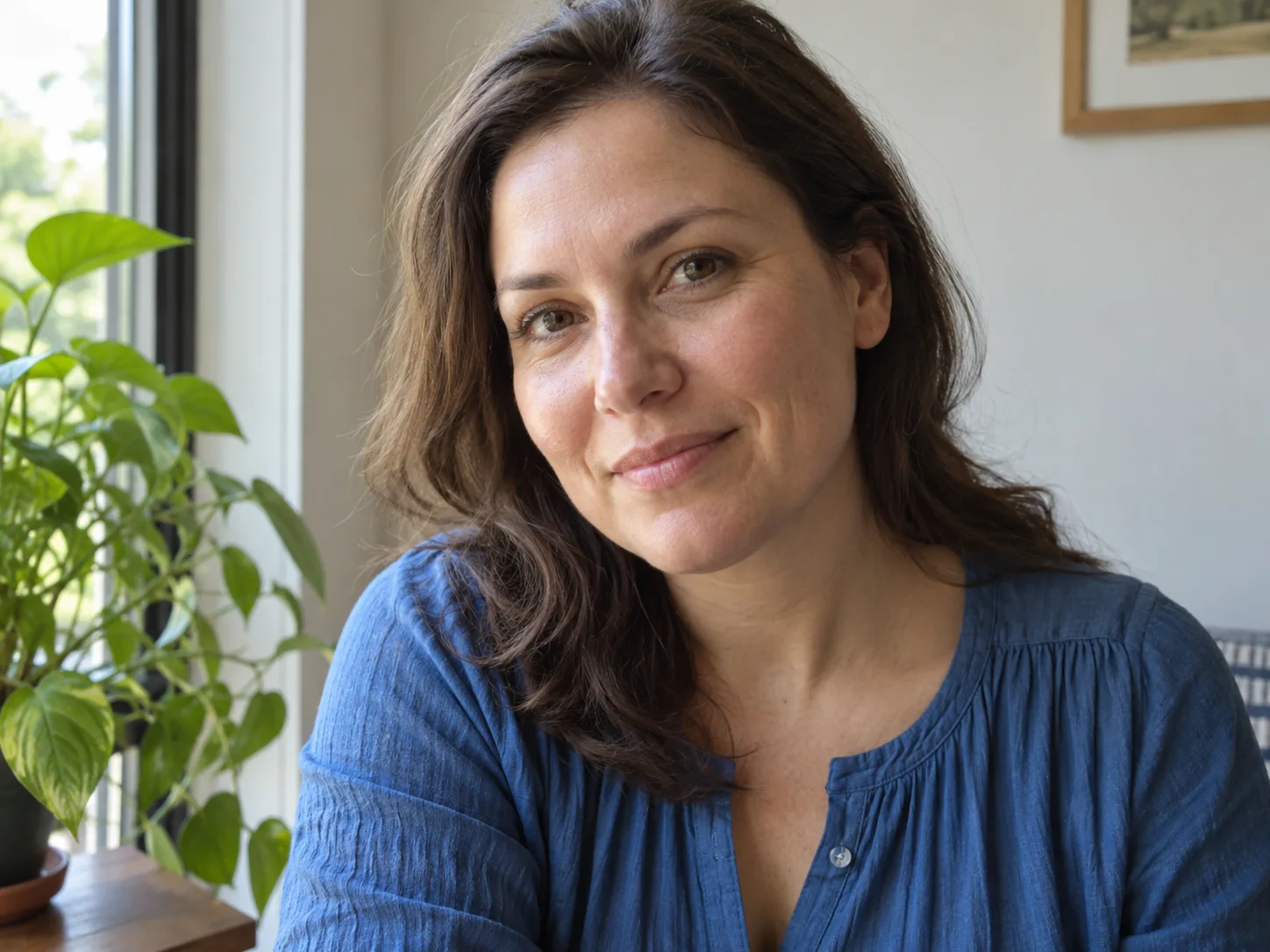
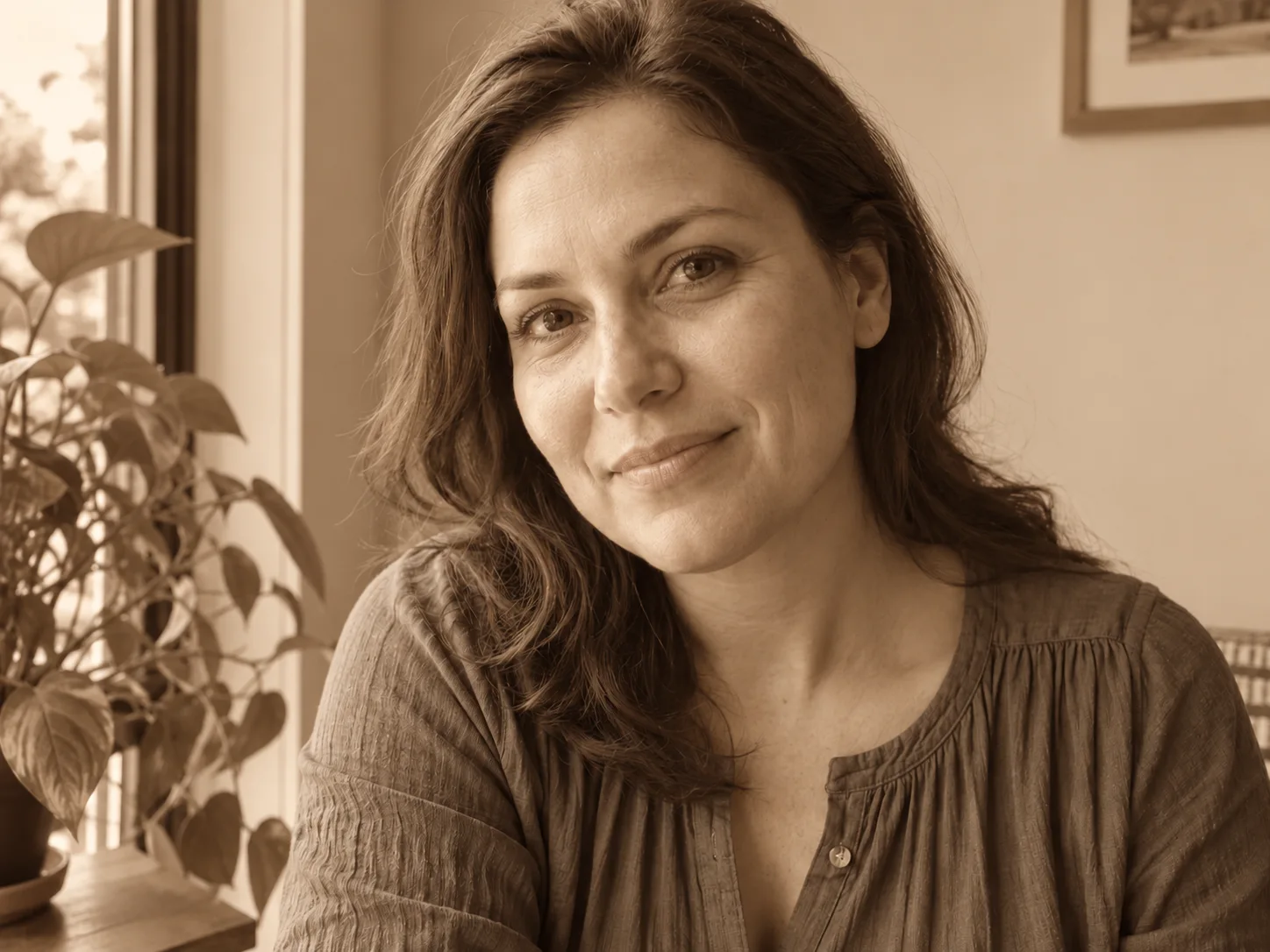
Window-light portraits
- Requested change
- Give a color portrait a soft brown treatment.
- Keep unchanged
- Keep skin texture, expression and window light.
OriginalResult
Travel photographs
- Requested change
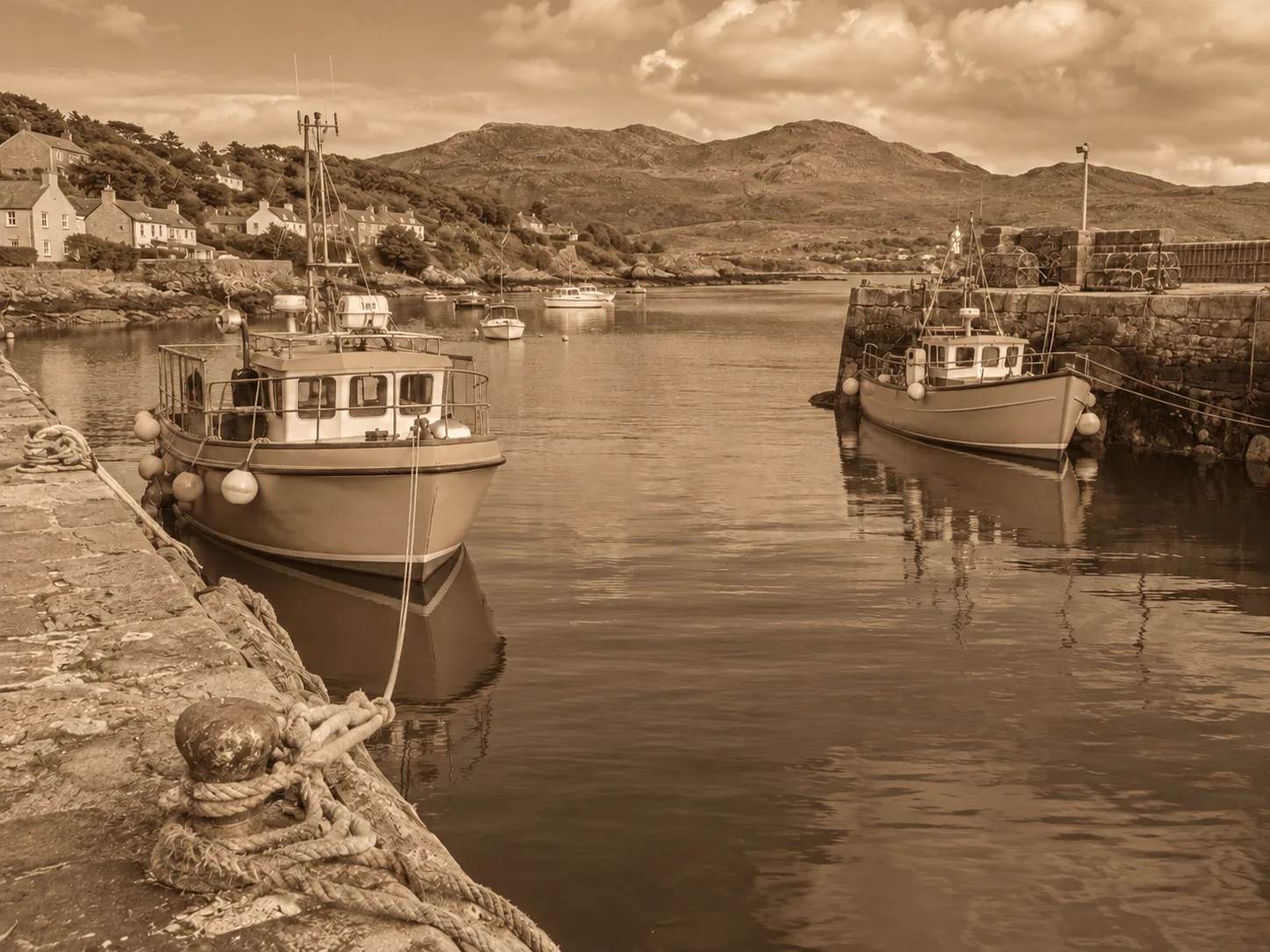
- Unify a harbor scene with warm sepia tones.
- Keep unchanged
- Retain boats, reflections and the original horizon.
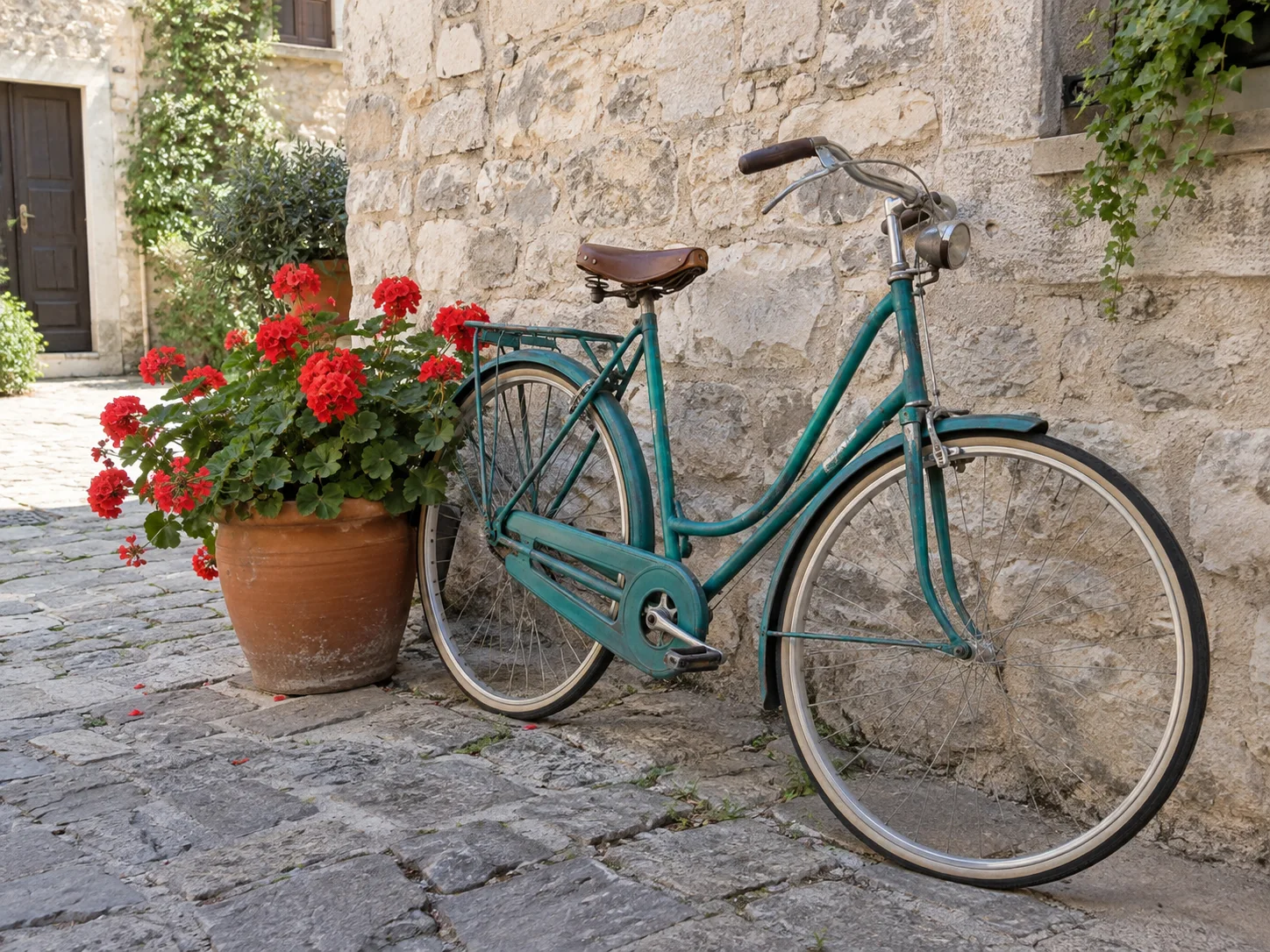
OriginalResult
Coffee-table still lifes
- Requested change
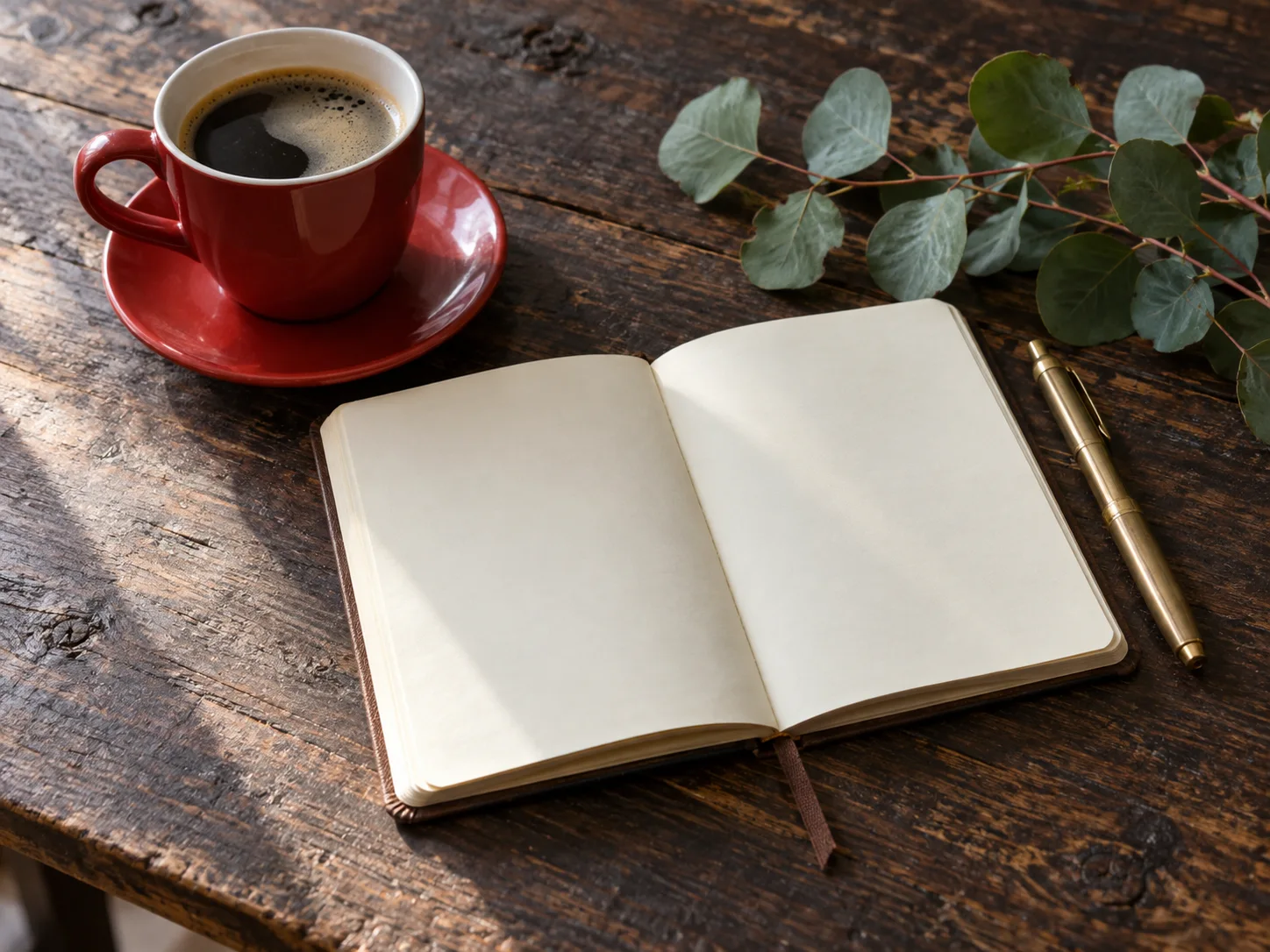
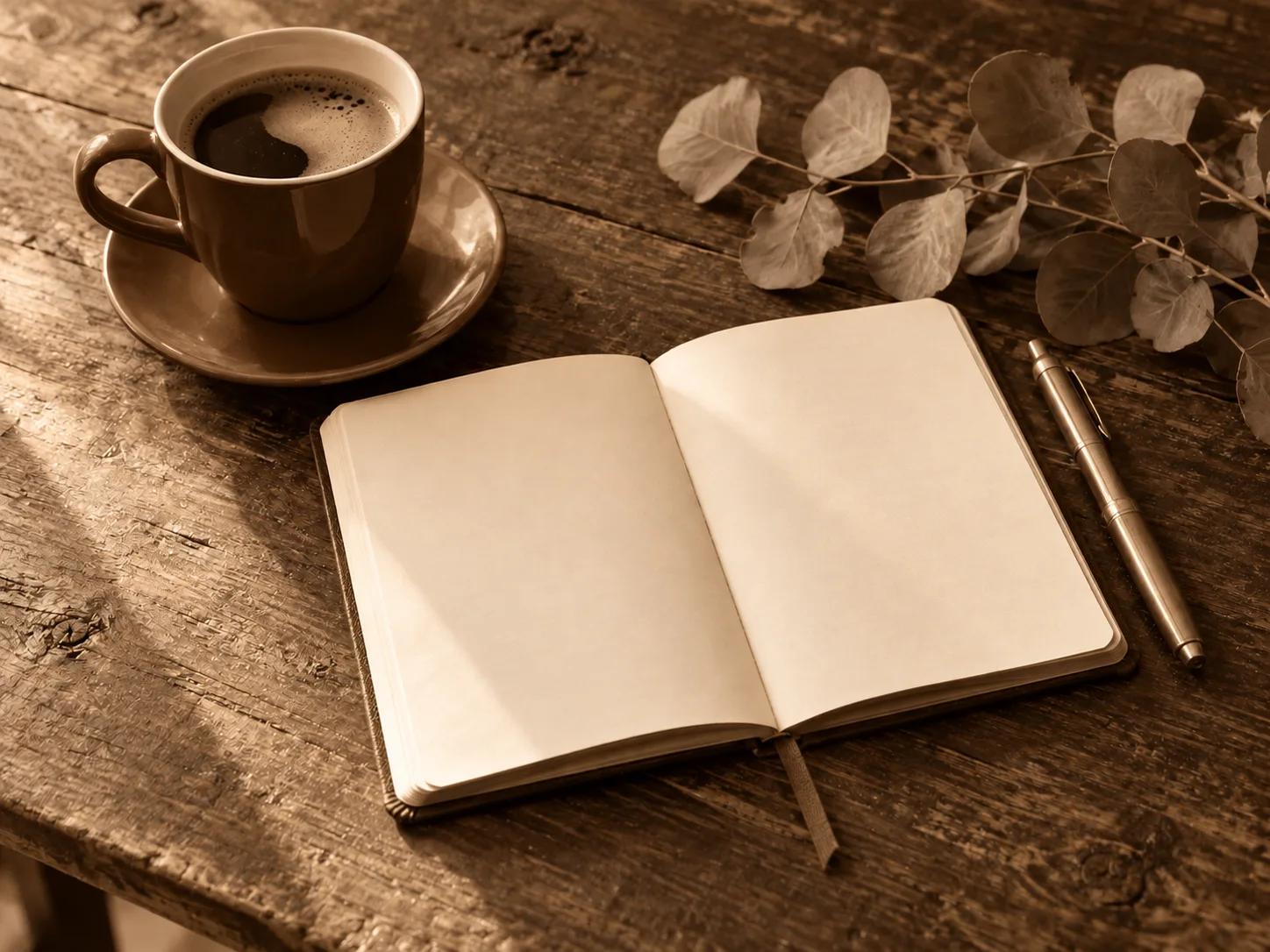
- Turn a colorful tabletop into a brown-toned composition.
- Keep unchanged
- Keep the cup, notebook and directional shadows.
OriginalResult
How to use this tool
- 1
Choose a photo
Choose a clear source photo to open it in the main editor.
- 2
Sepia Filter for Warm, Vintage Photos
Move the 0–100% slider to preview the sepia effect, then save the result.
- 3
Compare and confirm
Inspect the result against the original. Confirm the version you want to keep, then continue editing or download.
Before you save
Sepia is a color treatment, not photo restoration. Begin with visible shadow and highlight detail; severely clipped areas cannot be recovered by changing tones.
Questions and answers
How do I add a sepia filter to a photo?
Upload your photo to open it in the editor, move the sepia strength slider from 0 to 100%, and compare the preview. A lower setting leaves more original color; a stronger setting gives a warmer brown finish.
How is sepia different from black and white?
Black and white uses neutral grays. Sepia adds a warm brown palette, with some source color retained at subtle intensity.
Does sepia add grain or scratches?
This effect requests color toning only. It does not intentionally add film grain, paper borders or ageing damage.
More ways to perfect your photo
Quick edits. Professional results.



Try it on your photo
Explore all photo toolsChoose a photo
Give your photo a warm vintage look.