


Pixelate an image or regionAdd crisp mosaic blocks to the full image or brush-painted areas.
Turn a Photo into AI Pixel Art
Reimagine a portrait, object or landscape as retro pixel artwork. Upload your photo and review the AI interpretation before saving. Your source guides the composition, while small details may change.
Choose a photo
Turn your photo into retro pixel art.
OriginalResult
Review the result
Upload a photo and generate the pixel-art version. Compare the result, then continue editing in the same workspace.
Make a pixel-art portrait
- Requested change
- Reinterpret the portrait with block-like shading and a retro palette. Review the eyes, expression, and facial details before saving.
- Keep unchanged
- Your subject and composition guide the artwork. Review facial features and other important details before saving.
OriginalResult
Simplify a familiar object
- Requested change
- Simplify the object's silhouette into pixel-style shapes. Small labels and surface markings may be reinterpreted.
- Keep unchanged
- Your subject and composition guide the artwork. Review facial features and other important details before saving.
OriginalResult
Turn a landscape into retro artwork
- Requested change
- Turn the landscape into a retro illustration. Check the horizon and main landmarks rather than expecting an exact pixel-for-pixel conversion.
- Keep unchanged
- Your subject and composition guide the artwork. Review facial features and other important details before saving.
OriginalResult
How to use this tool
- 1
Choose a photo
Start with the image you want to change.
- 2
Review the result
Upload a photo and generate the pixel-art version. Compare the result, then continue editing in the same workspace.
- 3
Keep editing
Confirm the result, continue editing or use the existing download controls.
Choose the right method
AI reinterprets the image: small text and fine details may change. The result is an illustration, not an editable game sprite sheet.
Questions and answers
Is this a pixel art converter or a pixelation tool?
This converter uses AI to reinterpret a photo as retro pixel-style artwork. Pixelation reduces visible detail into blocks, often to obscure part of an image. AI pixel art can change faces, lettering, and small objects, so compare the result with your source.
Can I choose a pixel grid or export a game sprite sheet?
This creates an illustration guided by your photo. It does not offer an exact pixel grid, a fixed color palette, or an editable game sprite sheet. Use a dedicated pixel editor when those production controls are required.
More ways to perfect your photo
Quick edits. Professional results.


Invert image colors onlineTurn a photo into its color negative with exact RGB inversion. Preview the result without changing the crop or transparency.
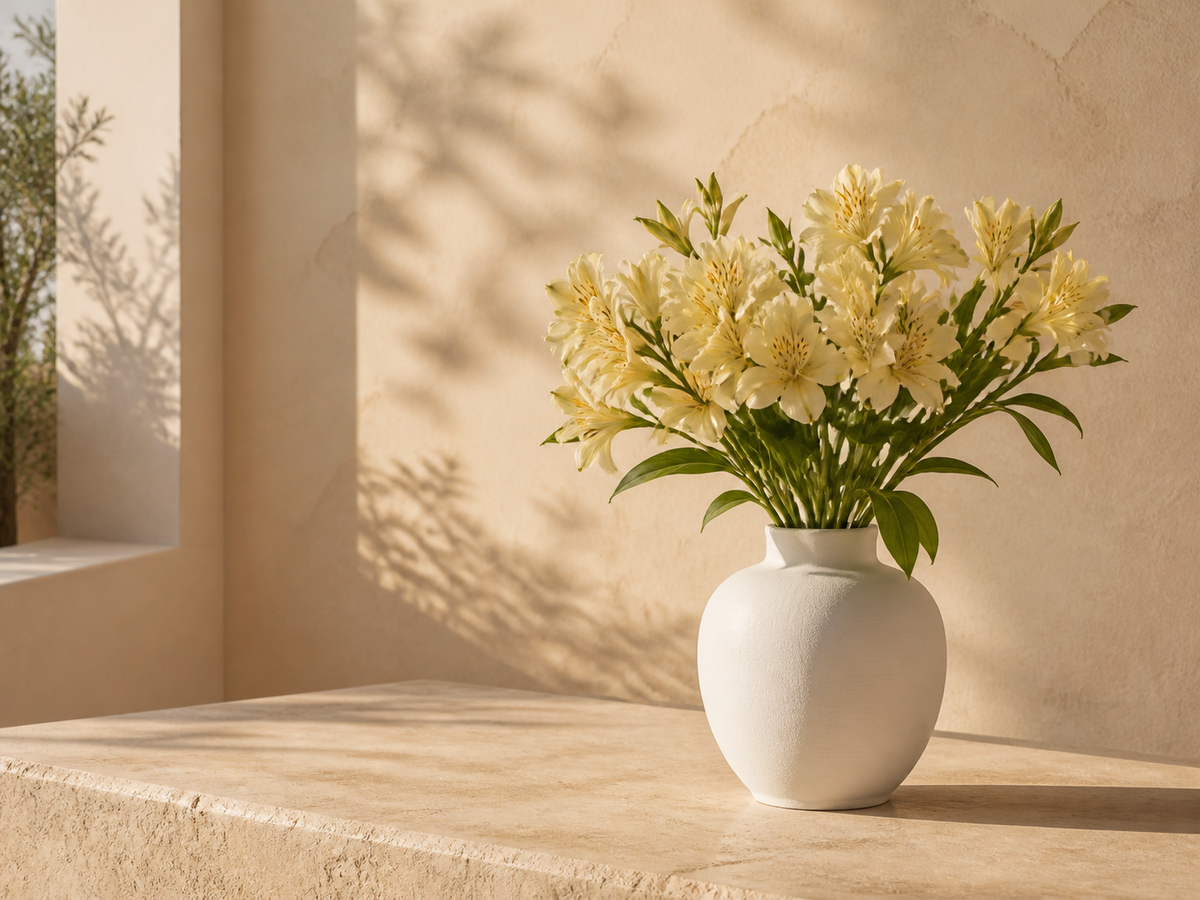
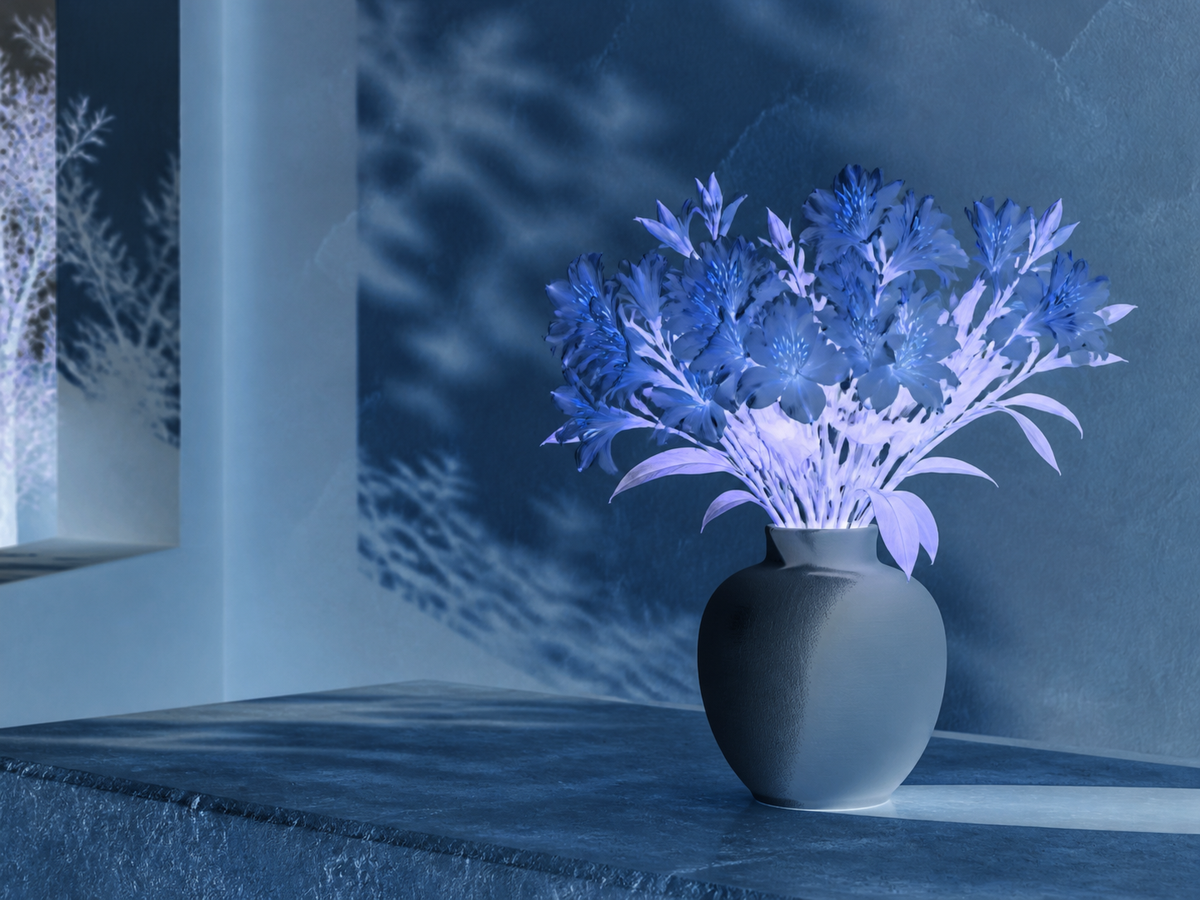
Turn a photo into a coloring pageMake a printable coloring page from a pet, flower or familiar scene. Convert your photo into black outlines on white, then review the shapes before printing.
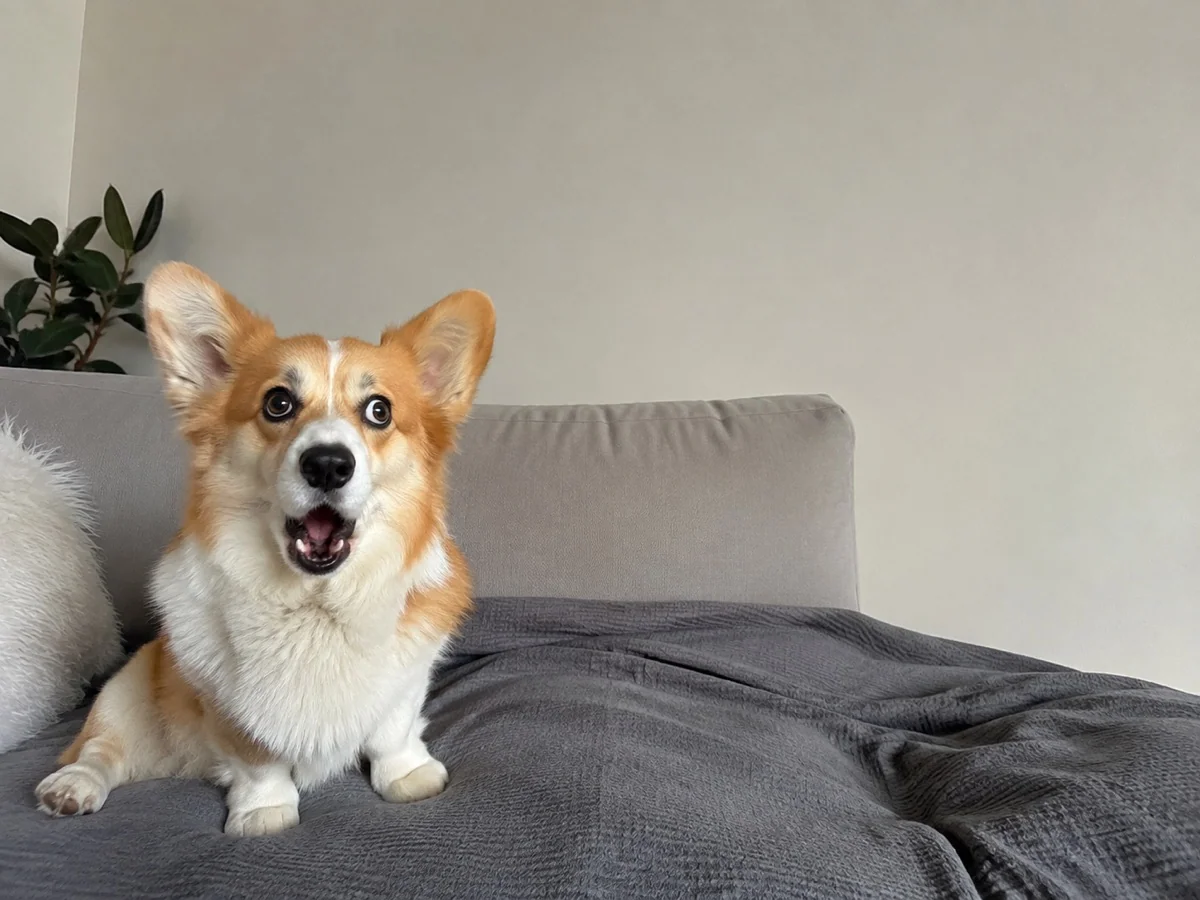
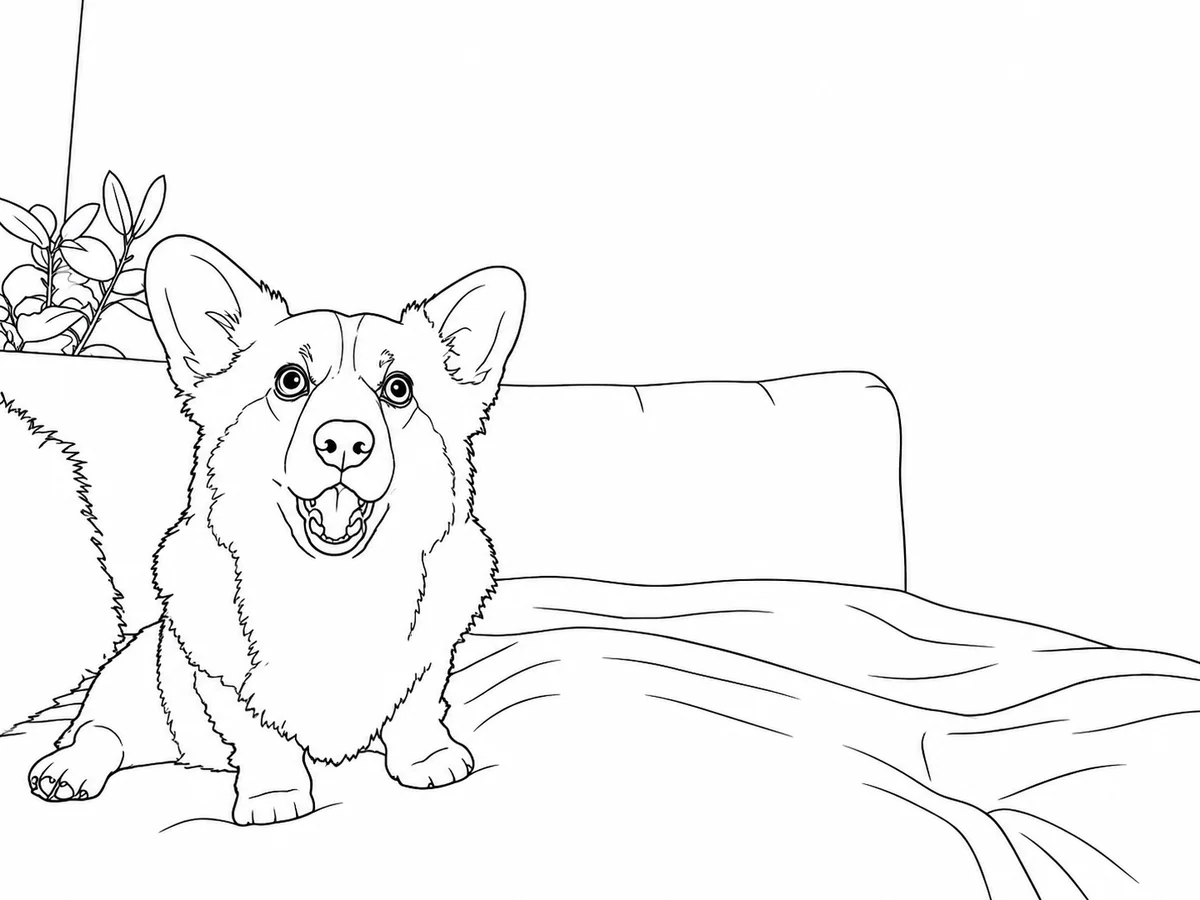
Pixel art
Choose a photo
Turn your photo into retro pixel art.