






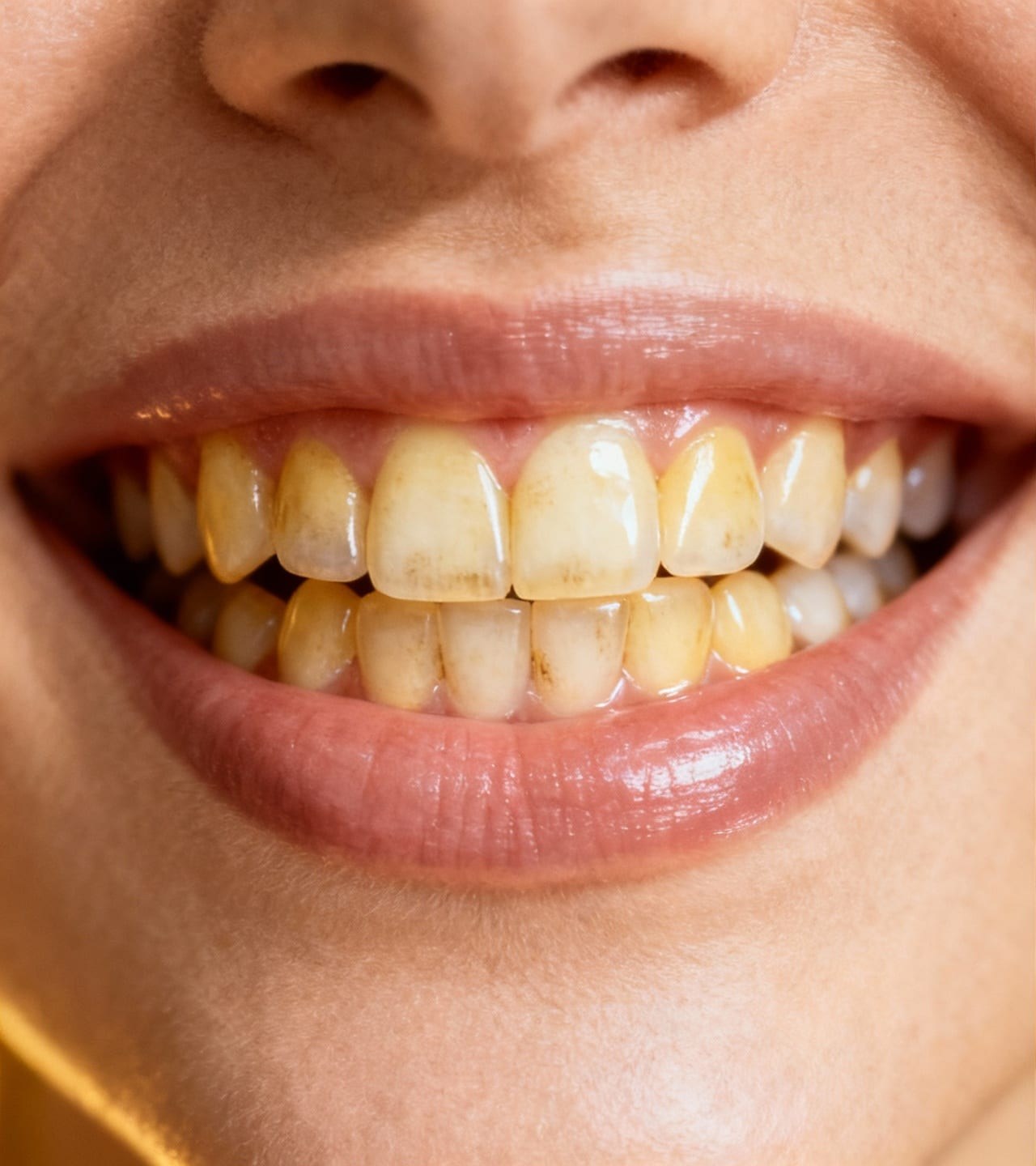
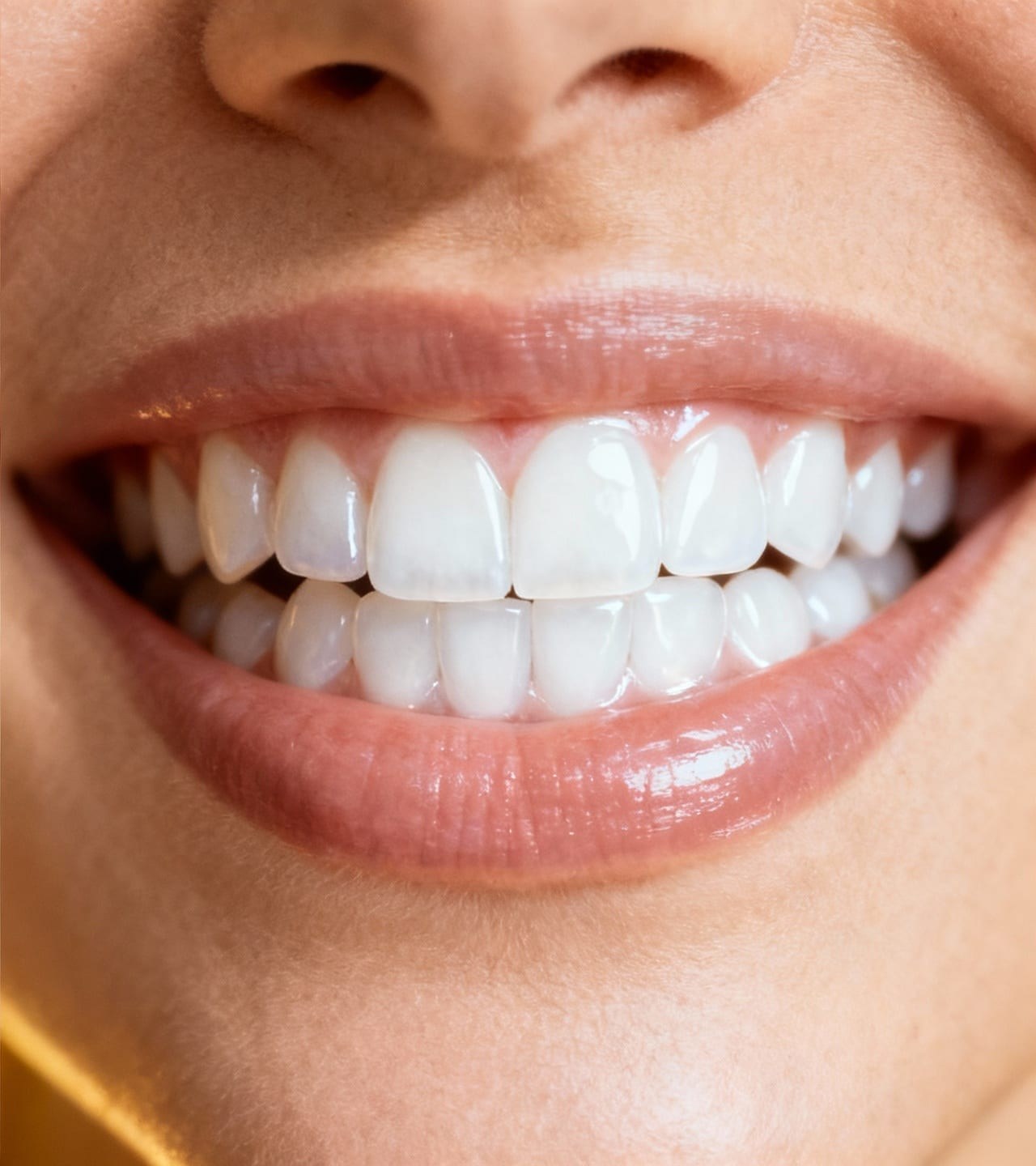
Remove portrait blemishesClean temporary spots while keeping natural skin texture.
Red Eye Remover for Flash Photos
Correct red pupil reflections in a flash photo. Upload a clear portrait, review the correction in the editor, and compare both eyes with the original before saving your photo.
Choose a photo
Fix red eyes in your flash photos.
OriginalResult
How to use this tool
- 1
Choose a photo
Choose a clear source photo to open it in the main editor.
- 2
Red Eye Remover for Flash Photos
Upload a flash photo to open red-eye correction in the editor. Review both pupils, the iris color, and the expression against your original before saving.
- 3
Compare and confirm
Inspect the result against the original. Confirm the version you want to keep, then continue editing or download.
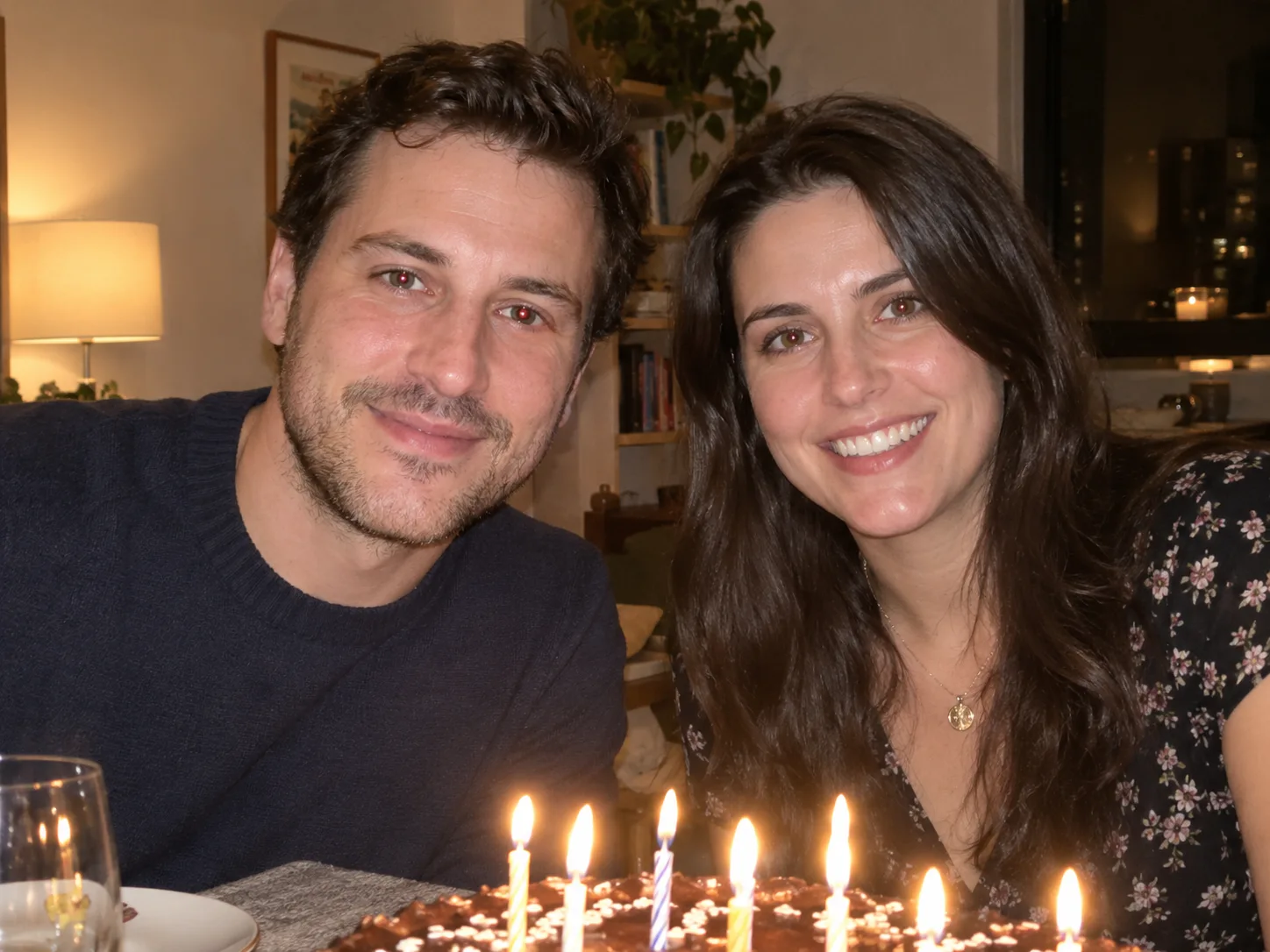
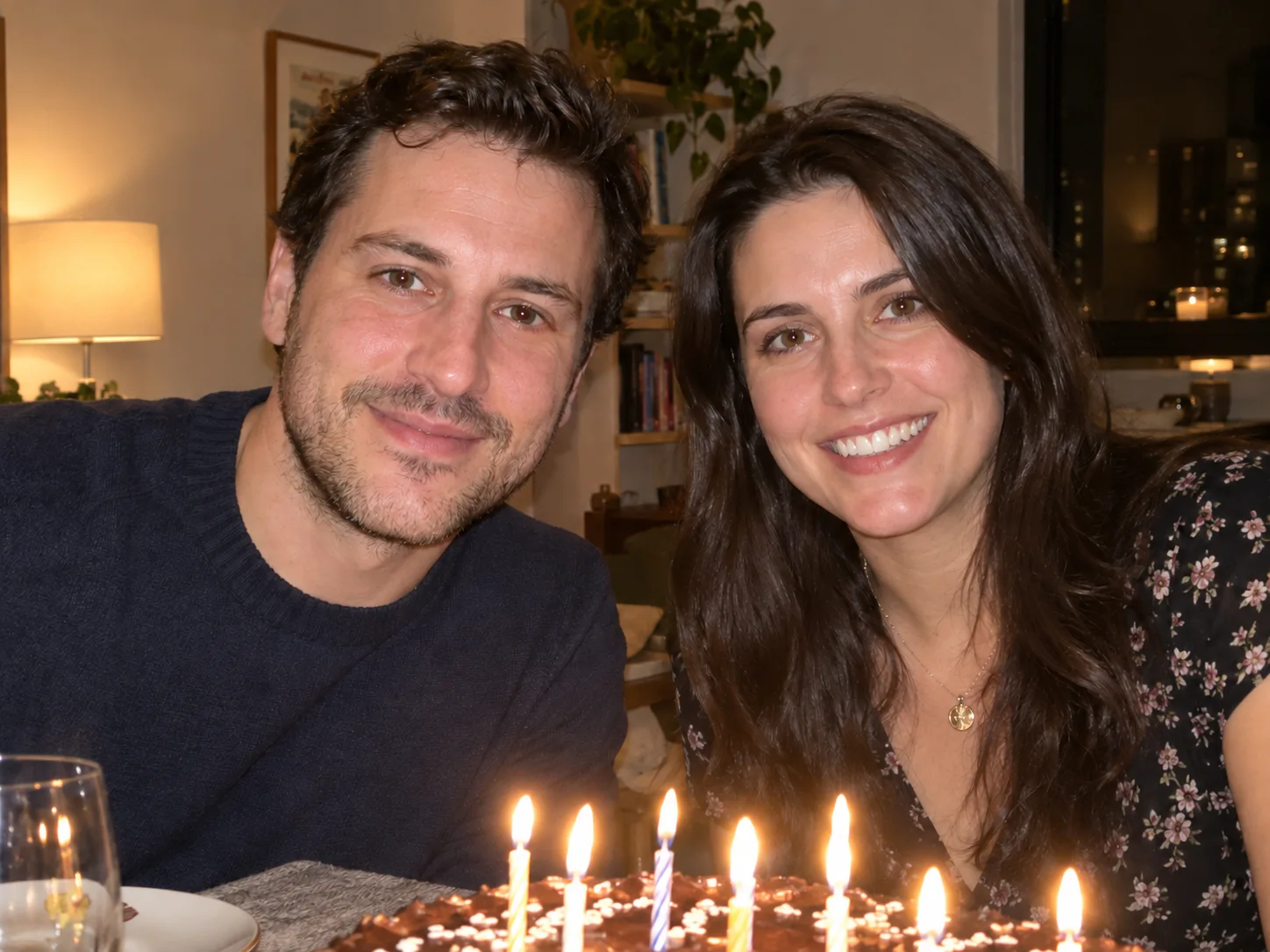
Family dinner photographs
- Requested change
- Correct red flash reflections in both siblings’ eyes.
- Keep unchanged
- Keep their expressions, cake and warm room lighting.
OriginalResult
Evening event portraits
- Requested change
- Restore dark pupils in a close flash portrait.
- Keep unchanged
- Retain the suit, skin texture and background lights.
OriginalResult
Scanned family memories
- Requested change
- Remove red pupils from a scanned portrait.
- Keep unchanged
- Keep the original color palette and facial detail.
OriginalResult
Fix the flash reflection, keep the face
Red-eye correction targets the small red reflection inside a pupil. Start with clearly visible eyes, then compare at eye level before confirming.
- Visible pupils
- Use a sharp photo where eyes face the camera.
- Natural irises
- Keep the existing eye color and catchlights.
- Close inspection
- Check every face in a group photo.
Before you save
Tiny, blurred or hidden eyes can be missed. This corrects photographic flash reflections, not bloodshot eyes, pet-eye reflections or medical conditions.
Questions and answers
What kind of red eye can I remove?
Use this tool for red pupil reflections caused by camera flash in portraits or family photos. Start with clearly visible eyes and review every face. It does not treat bloodshot eyes or medical conditions.
Will this change my eye color?
The edit targets the red pupil reflection and asks to preserve iris color. Compare both eyes before confirming.
Can I use an old scanned photo?
Yes, when pupils are clearly visible. Red-eye correction does not repair scratches or restore missing face detail.
More ways to perfect your photo
Quick edits. Professional results.


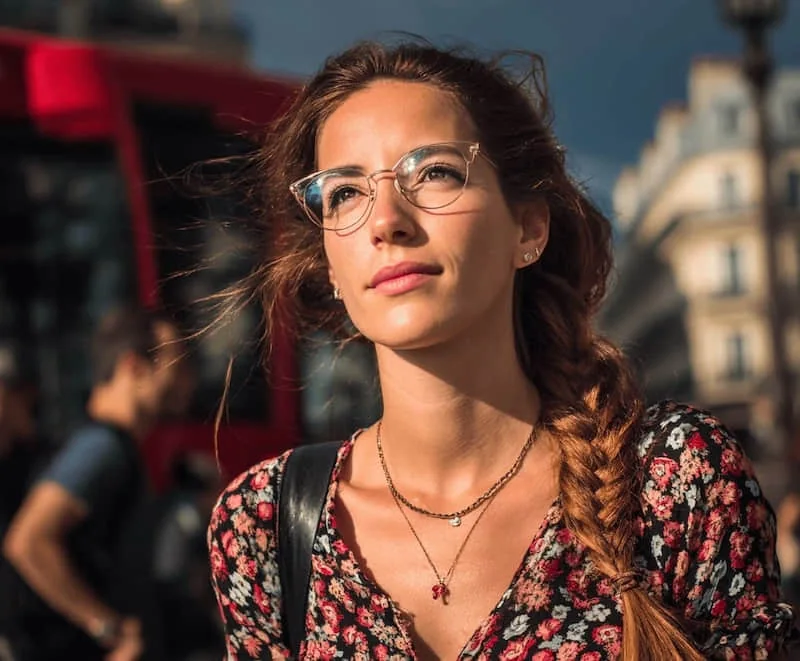
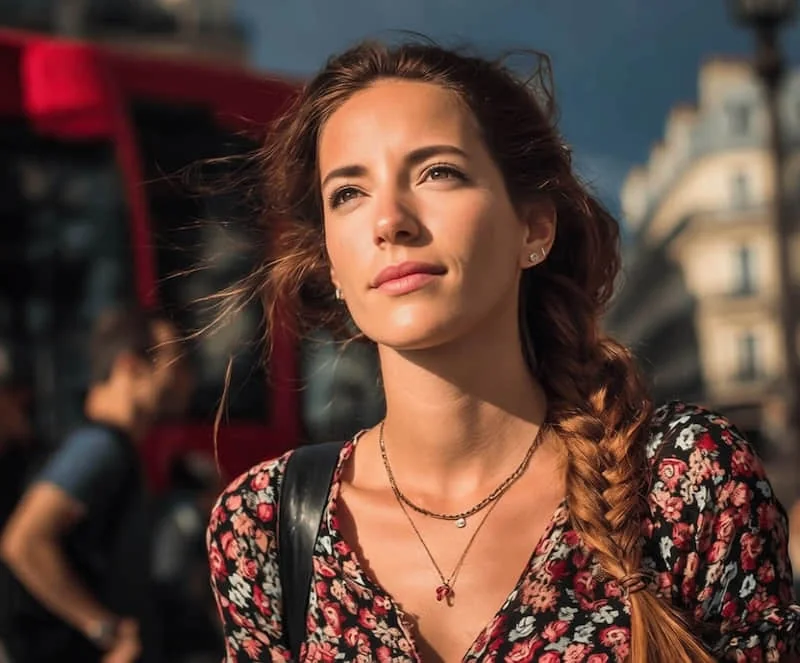
Try it on your photo
Explore all photo toolsChoose a photo
Fix red eyes in your flash photos.