
Green Screen Remover for Photos
Turn a green-backdrop photo into a cutout. Compare white products, studio portraits and gaps between leaves before you upload your own.
Upload a green-screen photo
A still photo in JPG, PNG or WebP.
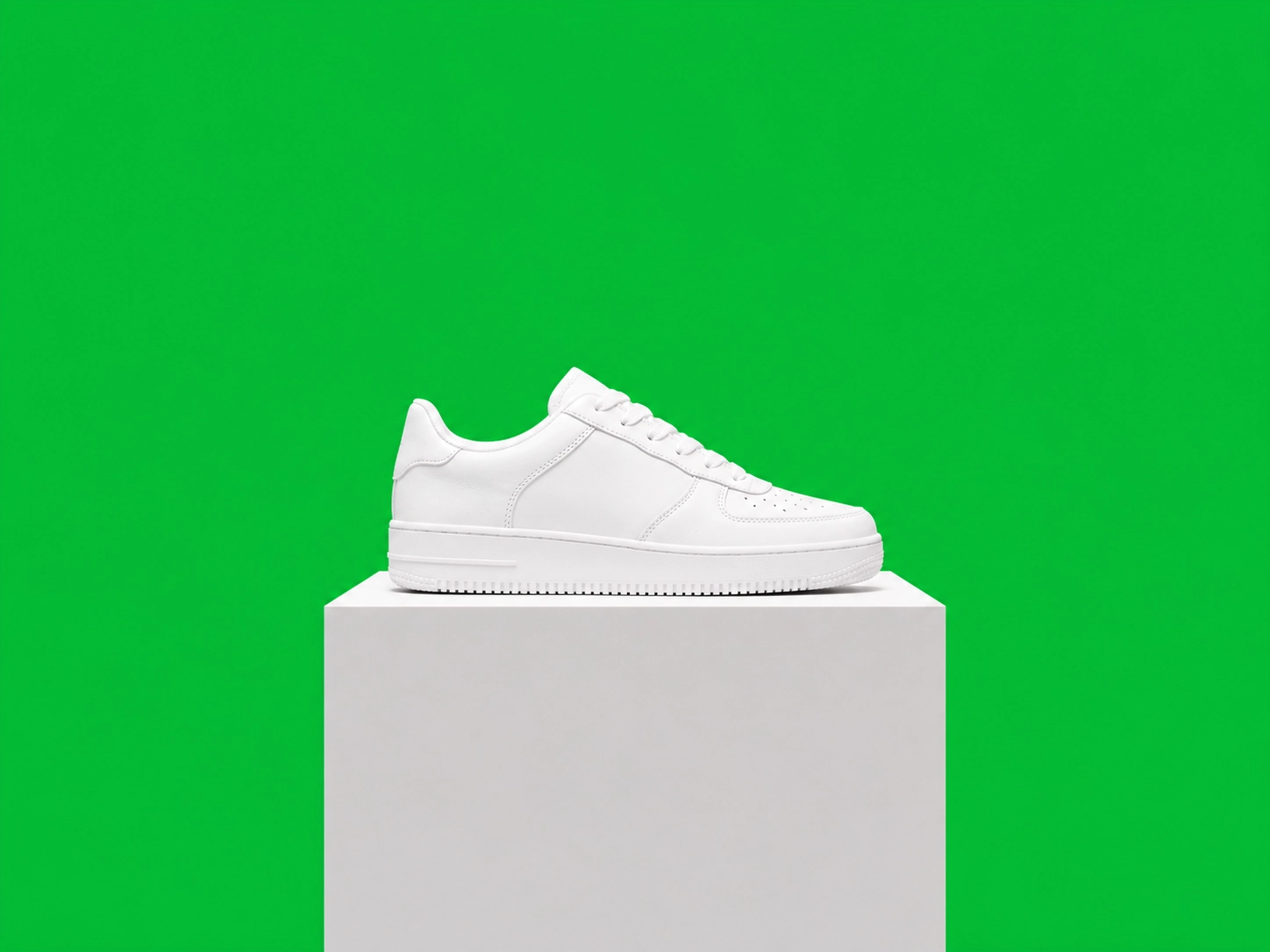
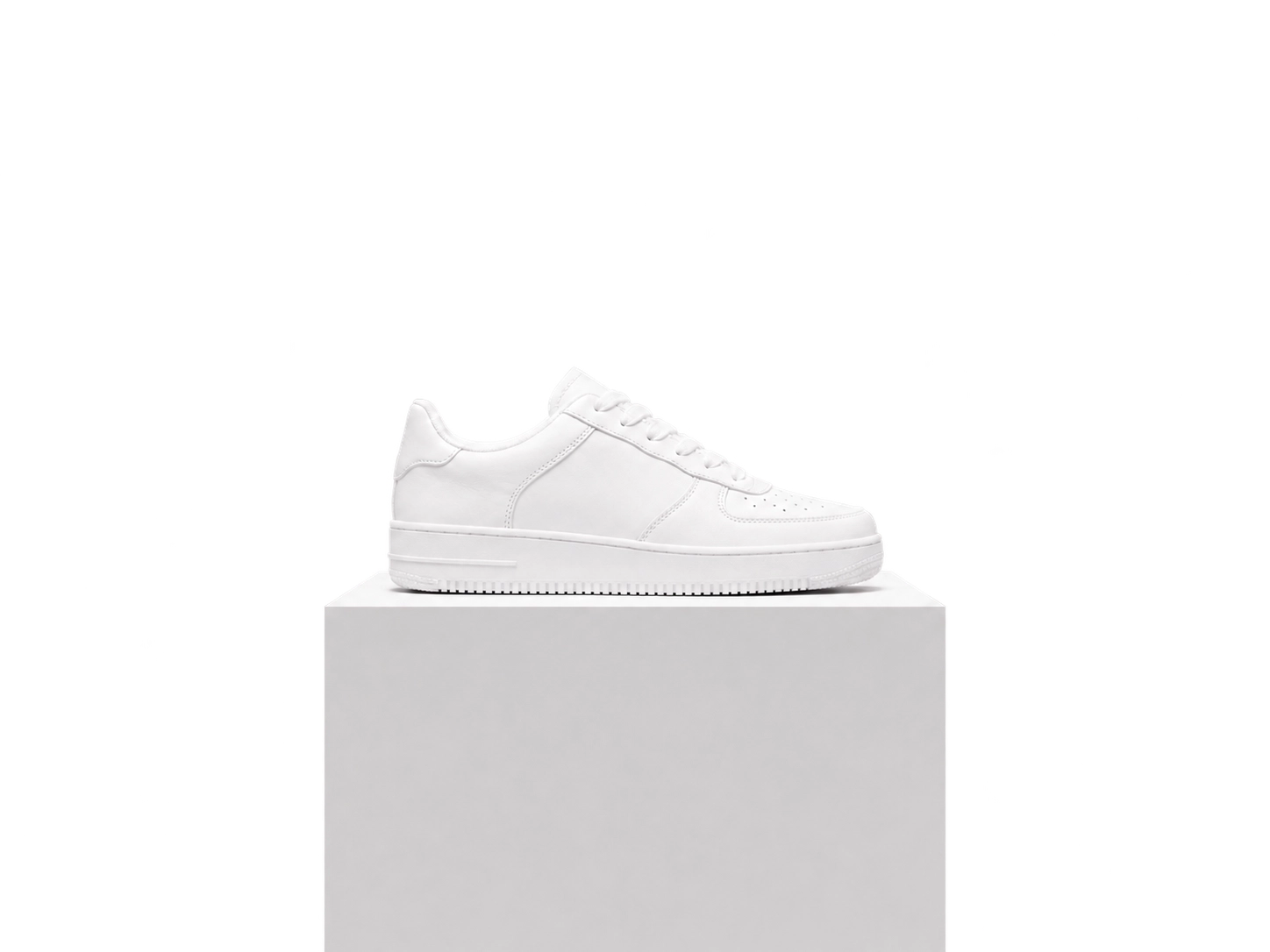
Three green-screen situations, side by side
Illustrative examples show the green backdrop removed while the foreground stays in place.
BeforeAfter
White product photography
- Remove
- Remove the green behind the shoe and pedestal.
- Keep
- White fabric, laces, the sole and the pedestal.
BeforeAfter


Studio portraits on green
- Remove
- Separate the person from the studio cloth.
- Keep
- The face, hair, navy sweater and original pose.
BeforeAfter
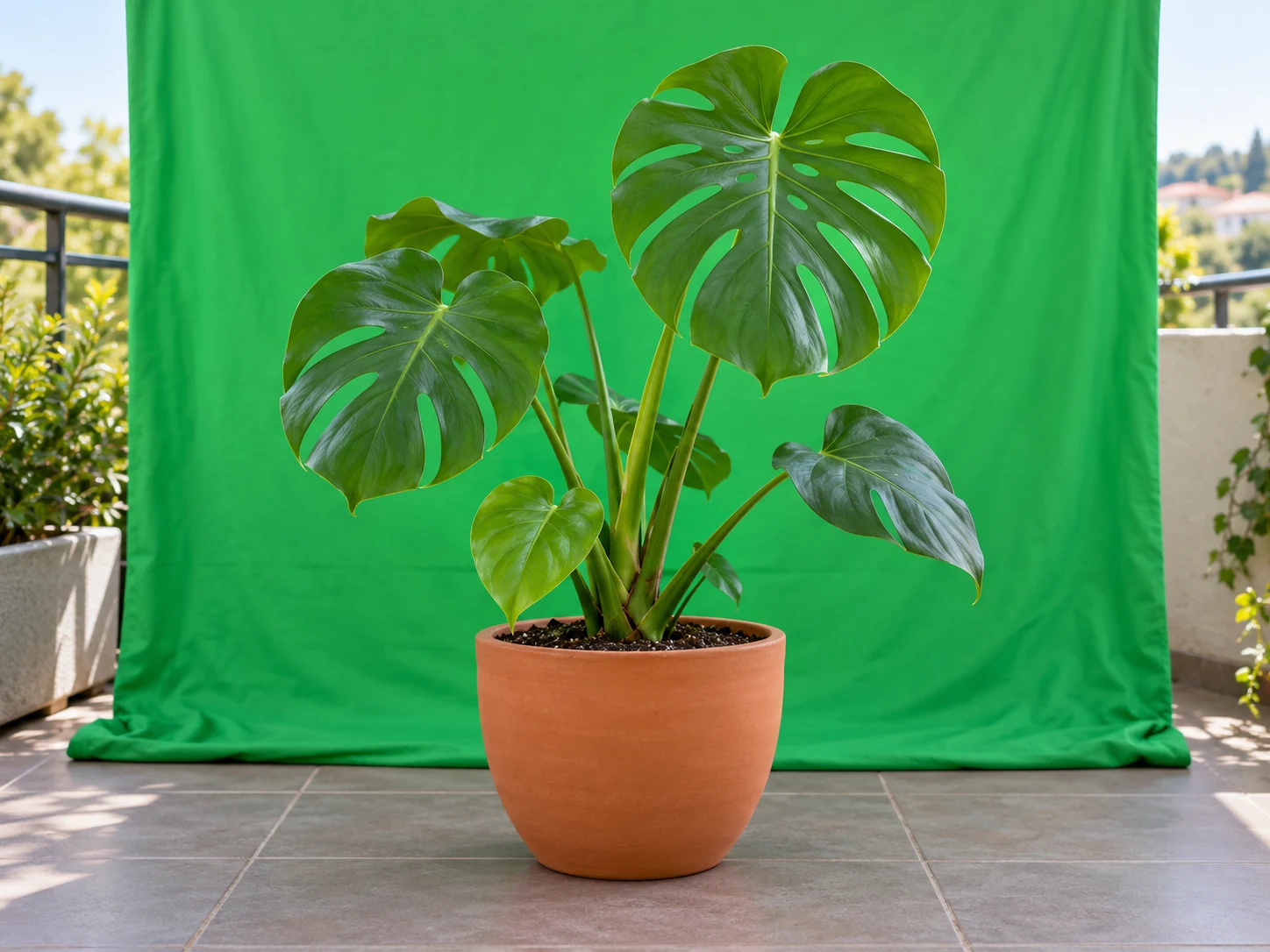
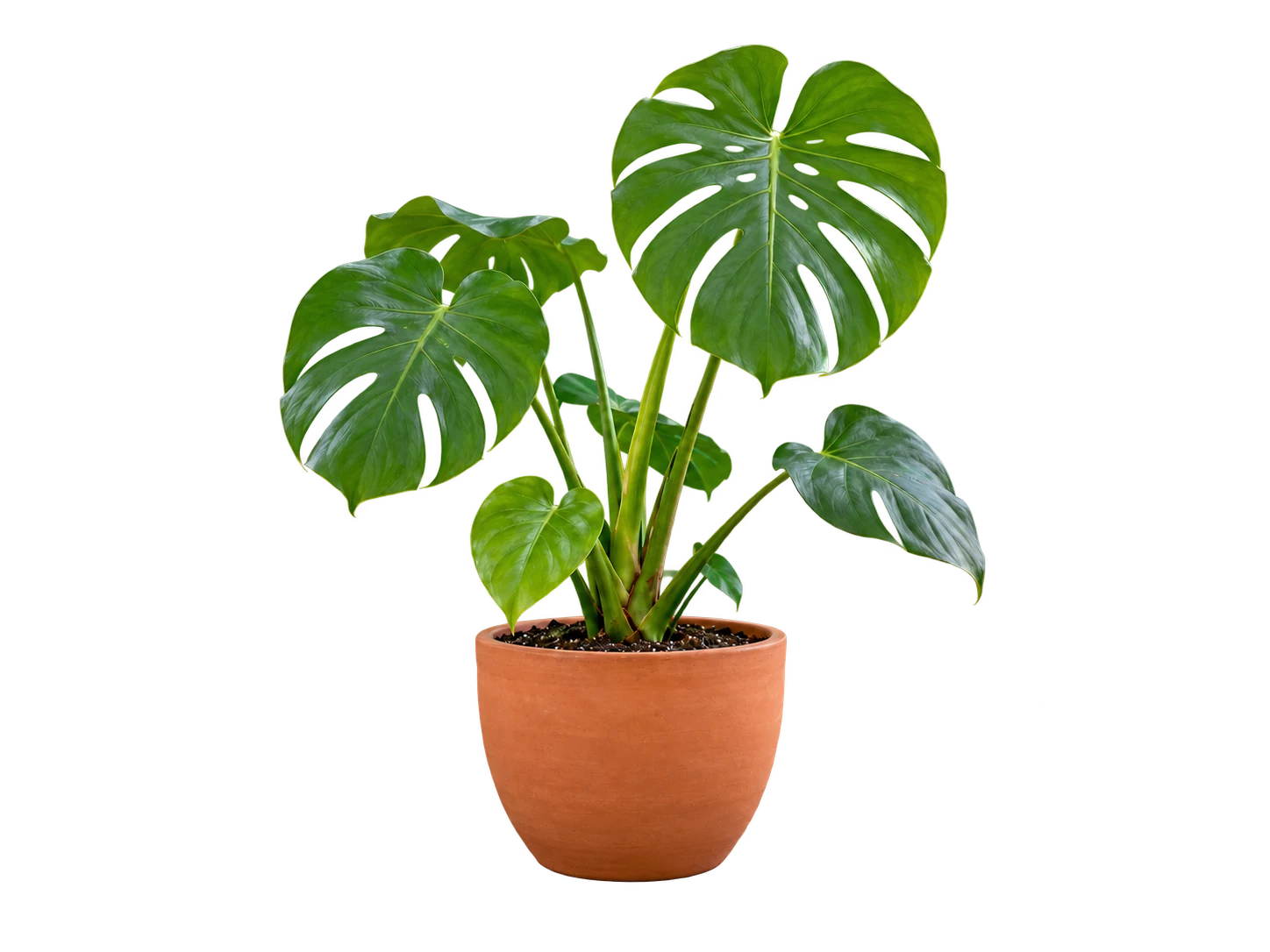
Green foliage against a green backdrop
- Remove
- Inspect the spaces between leaves as the backdrop is removed.
- Keep
- Leaf shapes, stems and the terracotta pot.
From green backdrop to a usable cutout
Upload your still image and inspect the foreground against transparency.
- 1
Choose a still frame
Upload the original green-screen photo, with the entire subject visible.
- 2
Preview the separation
Run the background remover, then compare the foreground against transparency.
- 3
Inspect and save
Check fine edges and confirm. Download PNG to retain transparency.
Check these before you finish
- Green clothing can blend into the backdrop. Choose a photo with clear separation around the subject.
- Reflected green light can remain on hair or shiny edges; inspect it rather than assuming it has been recolored.
- This page handles still photos. It does not key moving footage or process video frames over time.
Green-screen photo questions
Is this a video chroma-key editor?
No. Upload a still photo in JPG, PNG or WebP. Video editing and frame-by-frame keying are outside this tool.
Can it keep green clothes or green leaves?
Similar foreground and background colors can make separation difficult. Review those areas carefully; do not assume every green object will be preserved.
Does it remove green reflections too?
Separating the background does not guarantee removal of green color spill. Check hair, edges and reflective surfaces after processing.
How do I keep the cutout transparent?
Confirm the result and choose PNG when downloading. JPG cannot retain transparency.
Have a green-screen photo?
Upload your still image and inspect the foreground against transparency.
Upload a green-screen photo
A still photo in JPG, PNG or WebP.