



AI Image ExtenderExpand an image beyond its edges with AI. Turn a tight crop into a wider scene, make room for a headline, or adapt a photo to a new shape without stretching the subject.
Online Image Translator
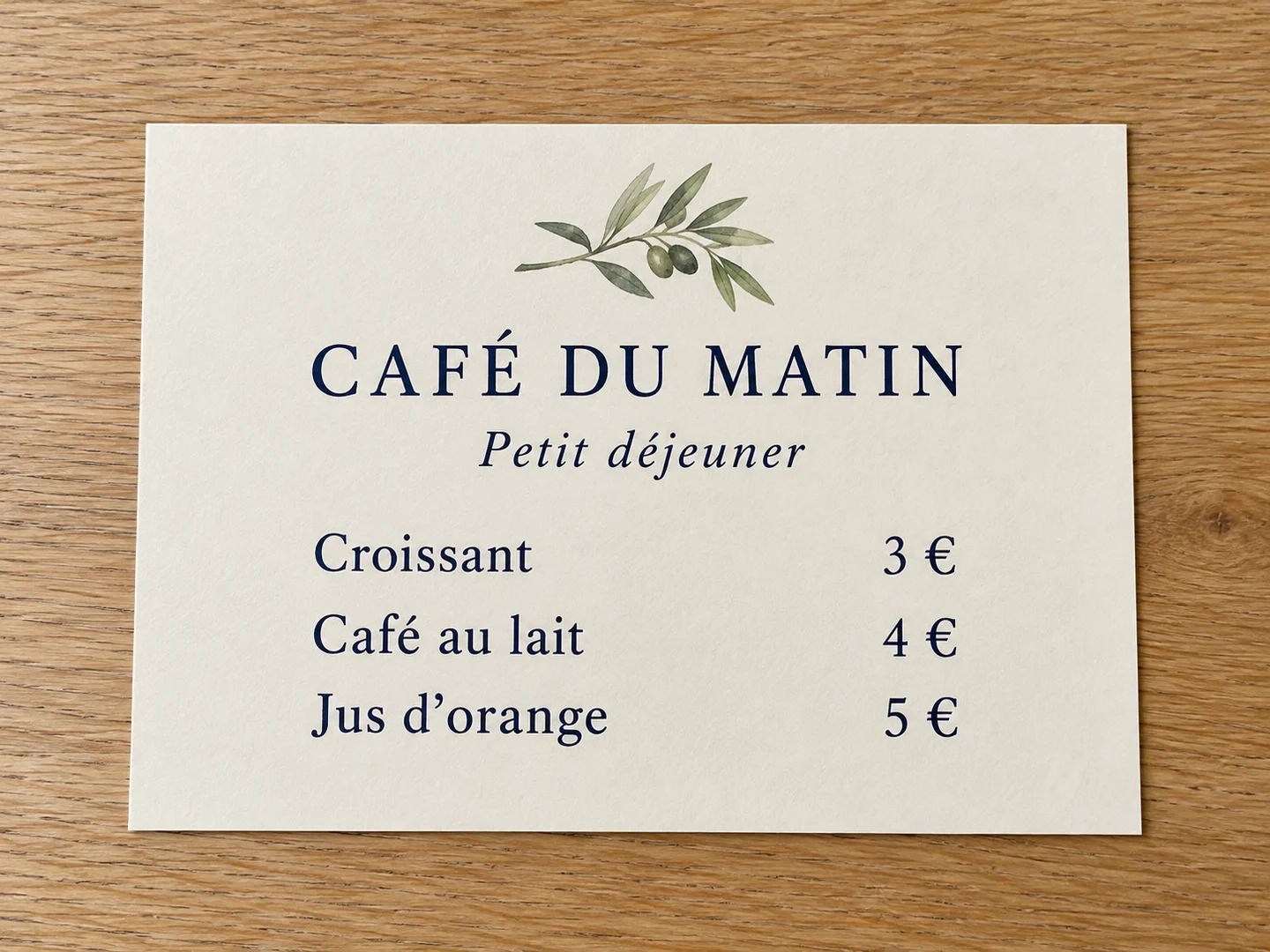
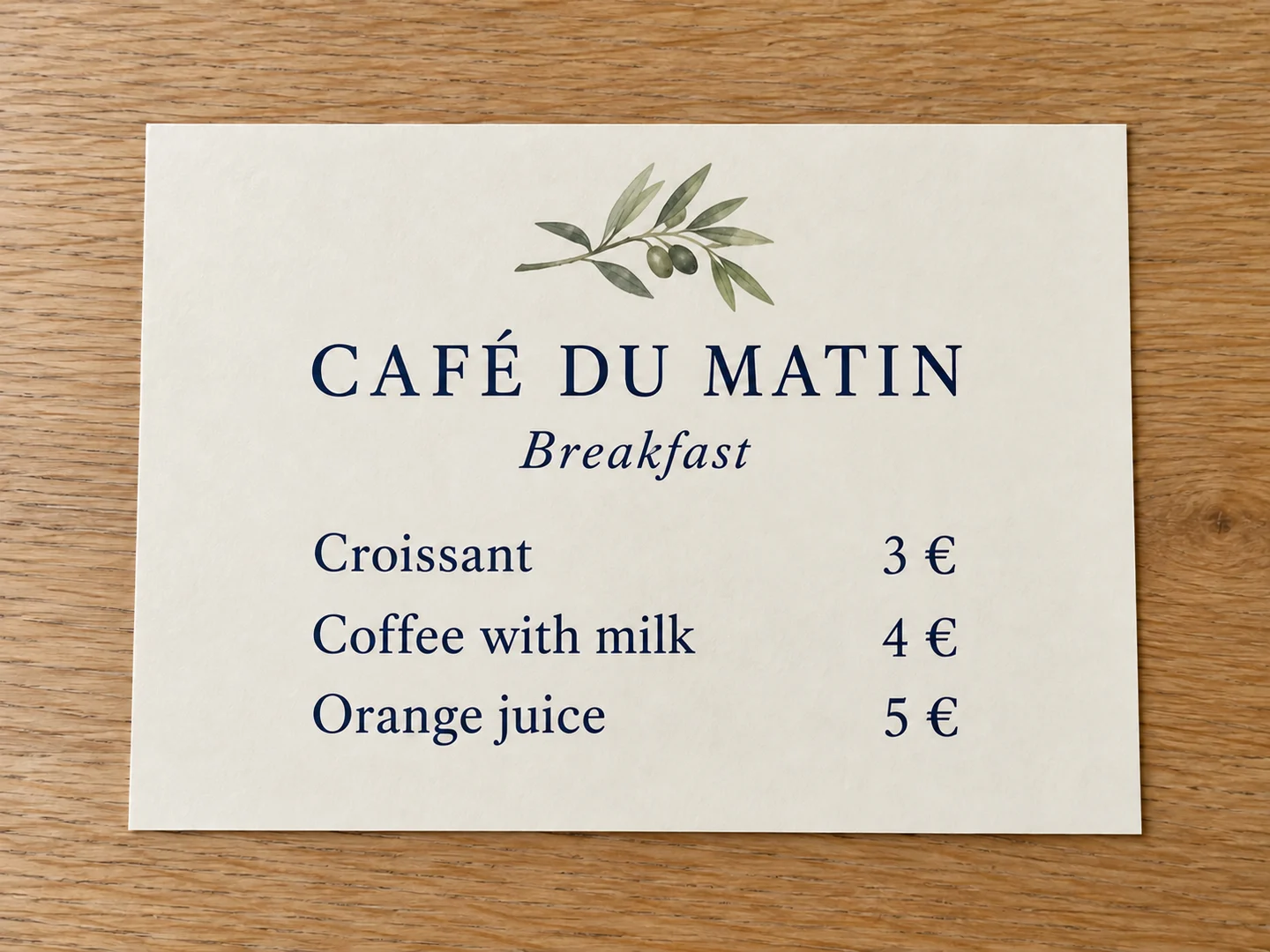
Translate text inside an image with AI. Upload a menu, poster or product graphic, choose a target language and create a translated image in the editor.
Choose a photo
Upload an image with clear text, then select the target language in the editor.
A new language inside the familiar layout
The translation replaces text in the image while aiming to preserve its design. Review meaning, names and numbers against the source.
English · 中文 · Español · 日本語 · 한국어 · Français · Deutsch · Português · Italiano · العربية · हिन्दी · Tiếng Việt · ไทย
Read a menu in another language
Translate dish names and descriptions while keeping prices and the visual layout. Check unusual food names before using the result.
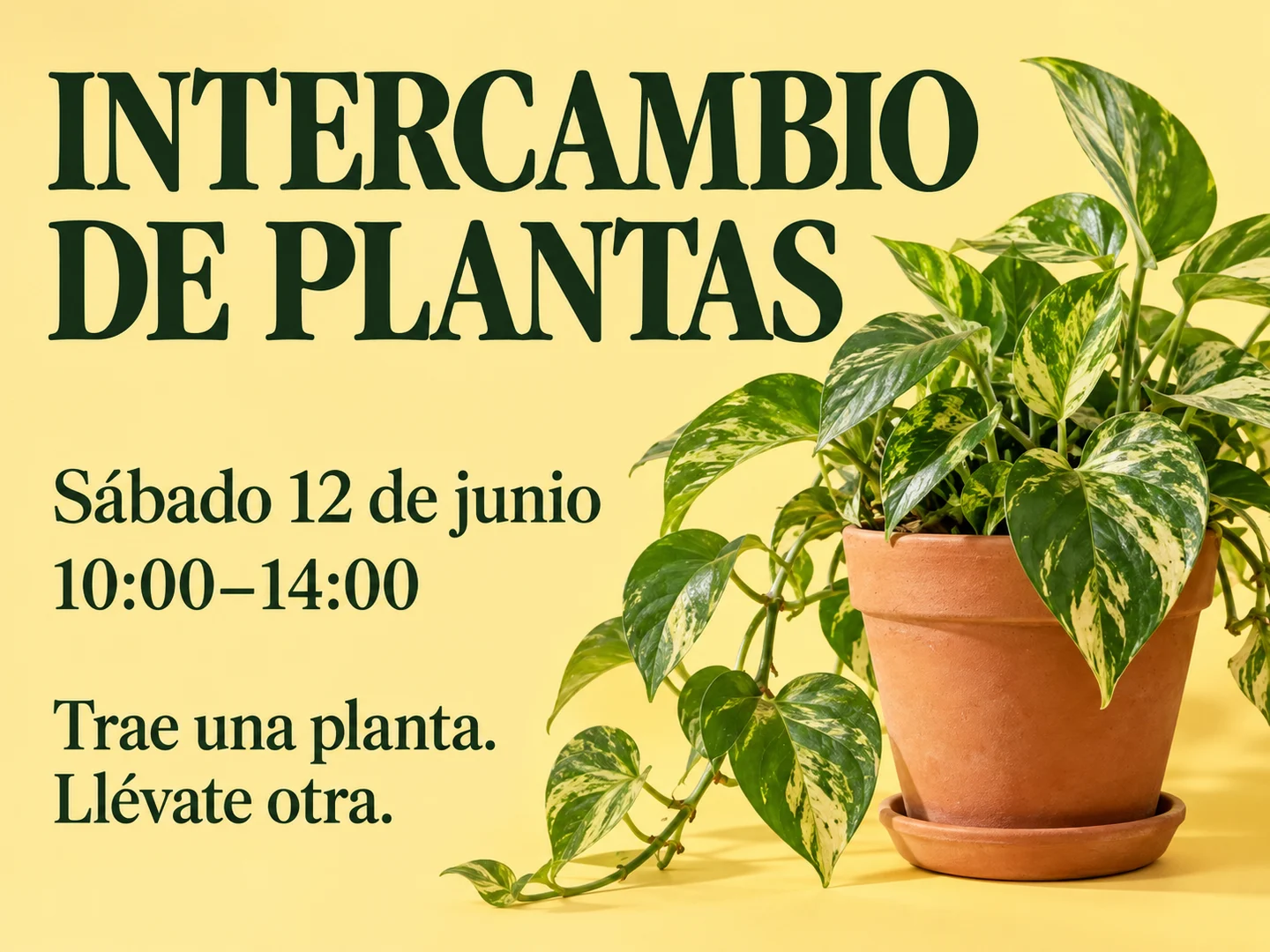
Choose a photoAdapt a poster for another audience
Replace the message inside the artwork. Longer translations may require different line breaks or smaller type.
Choose a photoLocalize a product graphic
Translate readable labels and short benefit text without rebuilding the entire design. Verify quantities and product names.
Choose a photoA translated image, not just extracted text
Text extraction gives you copyable words. This tool creates an image with translated words in place. It does not create a Word document, searchable PDF or separate editable text layers.
- Choose the target language
- Select from 14 languages in the editor, including English, Chinese, Spanish, Japanese, Korean and French.
- Keep the context
- Upload the complete image so the wording and visual layout can be interpreted together.
- Review the details
- AI can misread small text or translate names incorrectly. Verify meaning, dates, quantities and prices before sharing.
How to use this tool
- 1
Upload a readable image
Use a sharp photo or screenshot with complete text.
- 2
Choose a language
Select the language you want and generate the translated image.
- 3
Compare and download
Check the wording and layout against the source, then download the reviewed result.
Questions and answers
Does it preserve the original layout?
The AI is instructed to keep the composition, illustrations and text placement. Translation length can change line breaks and typography, so review the result.
Can it translate blurry or handwritten text?
Clear printed text is the best starting point. Small, blurry or handwritten text can be misread; use a clearer source when possible.
Does it output translated text or a translated image?
It generates a translated image. Use Extract Text from Image if you need copyable text instead.
More ways to perfect your photo
Quick edits. Professional results.
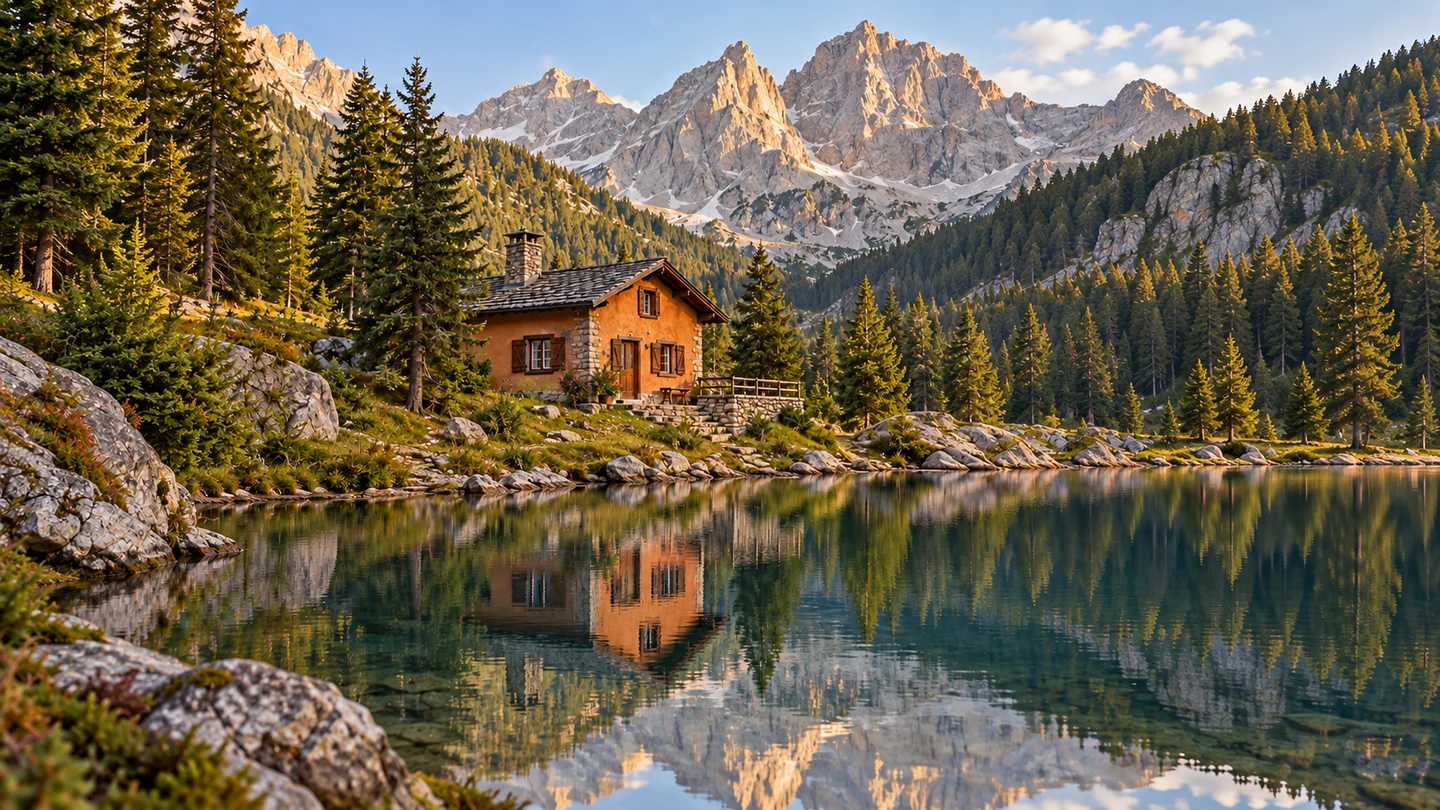
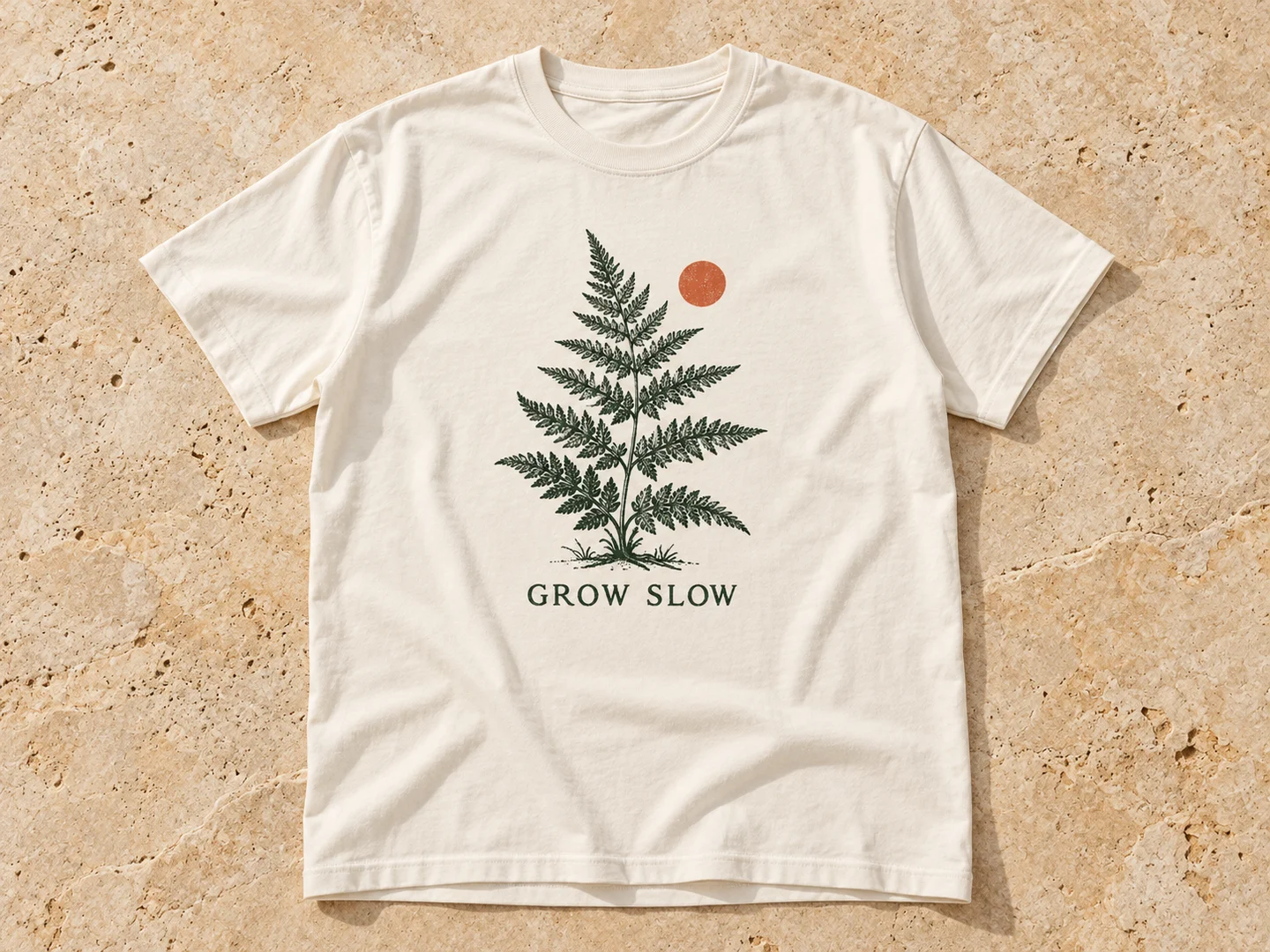
T-Shirt Mockup GeneratorTurn your artwork into an AI T-shirt mockup. Preview a print on a flat lay, a studio shirt or a lifestyle scene, then refine the result in the editor.
YouTube Thumbnail MakerCreate a YouTube thumbnail from your photo with AI. Add your headline, choose a visual style and build a 16:9 image that makes the subject easy to see.


Bring your image to a new audience.
Choose a photo
Upload an image with clear text, then select the target language in the editor.