What is Playful Outline?
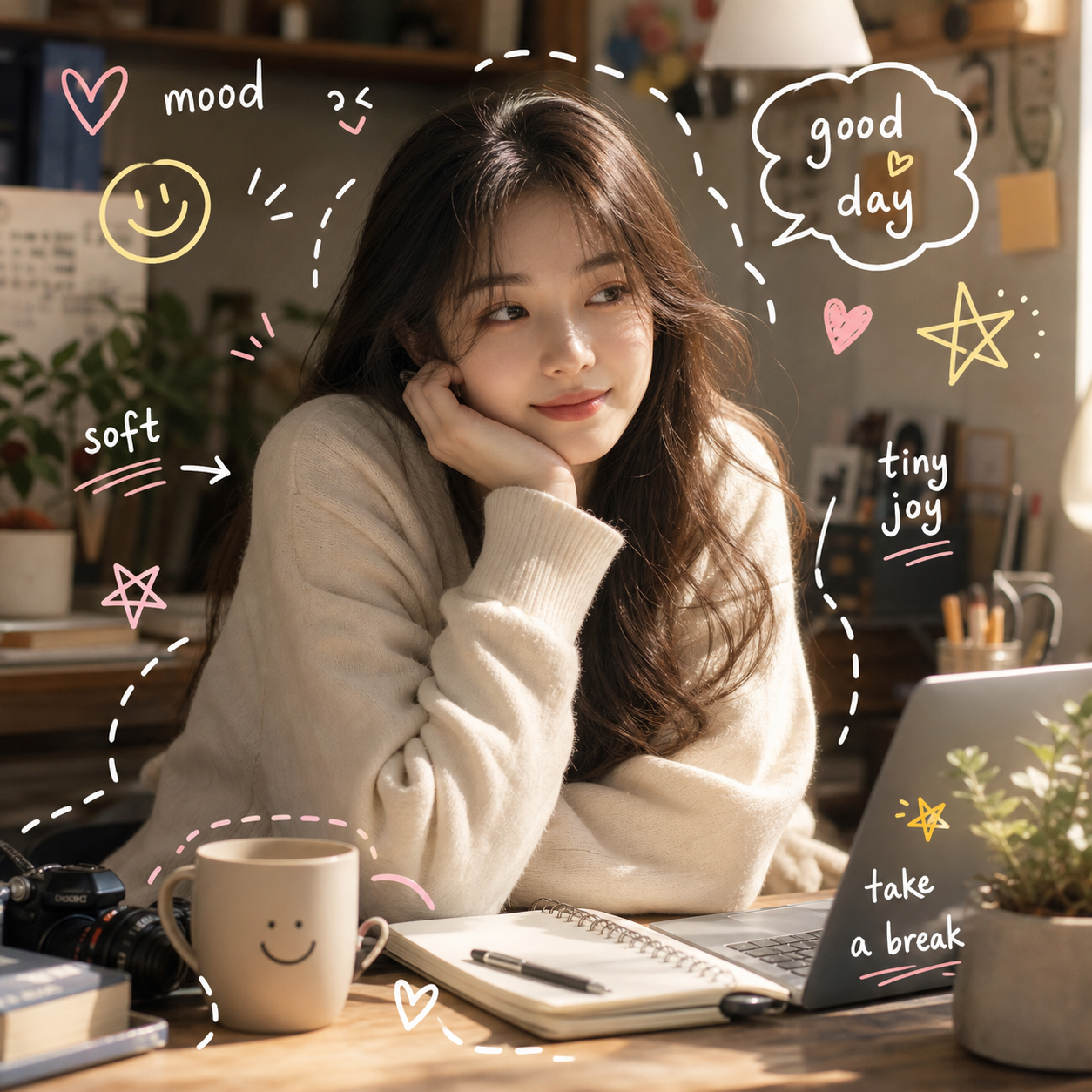
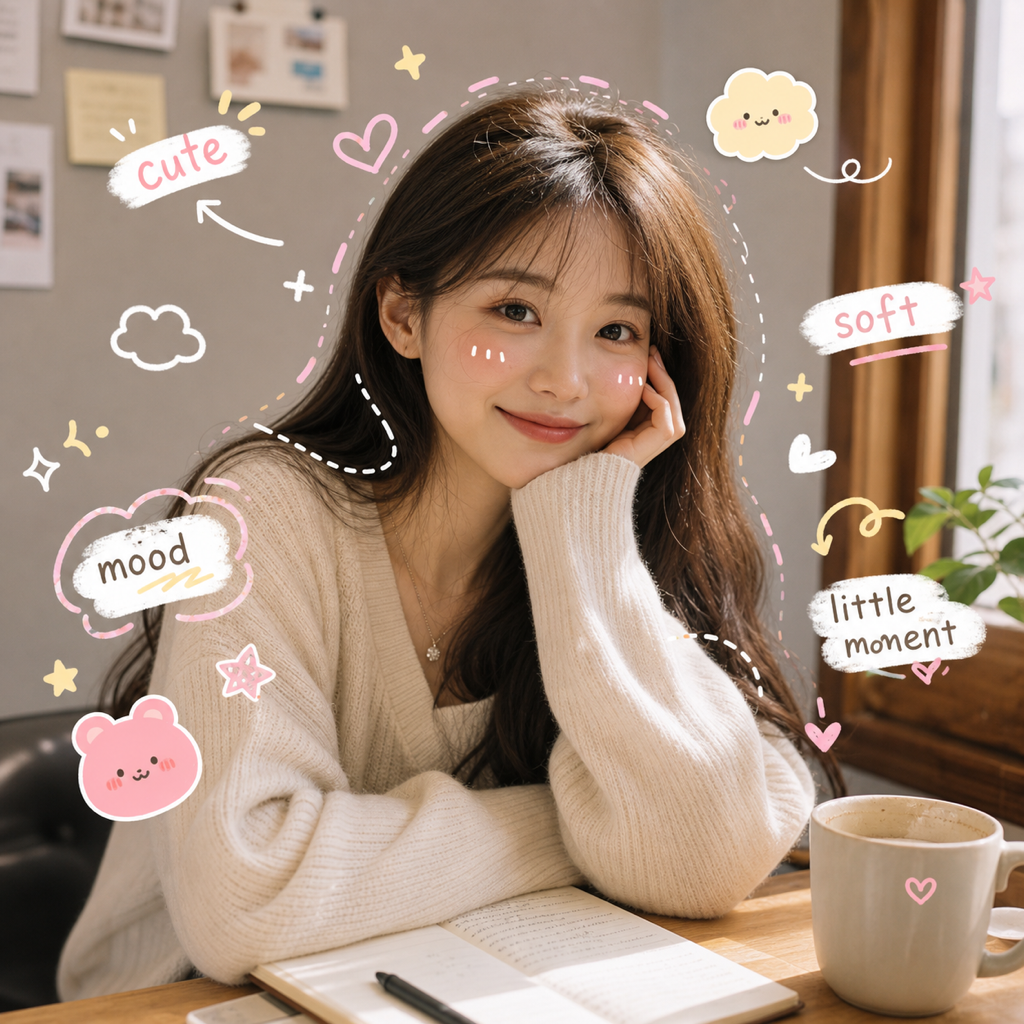
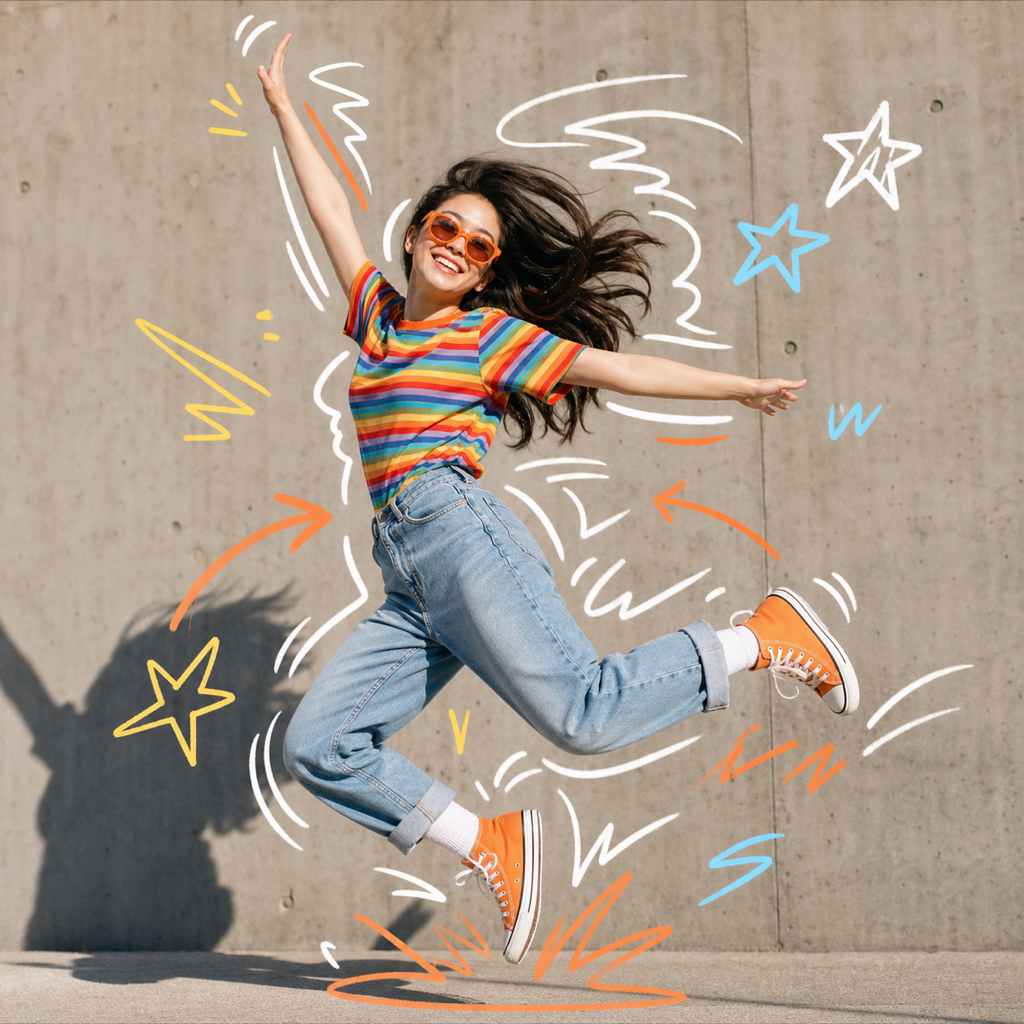
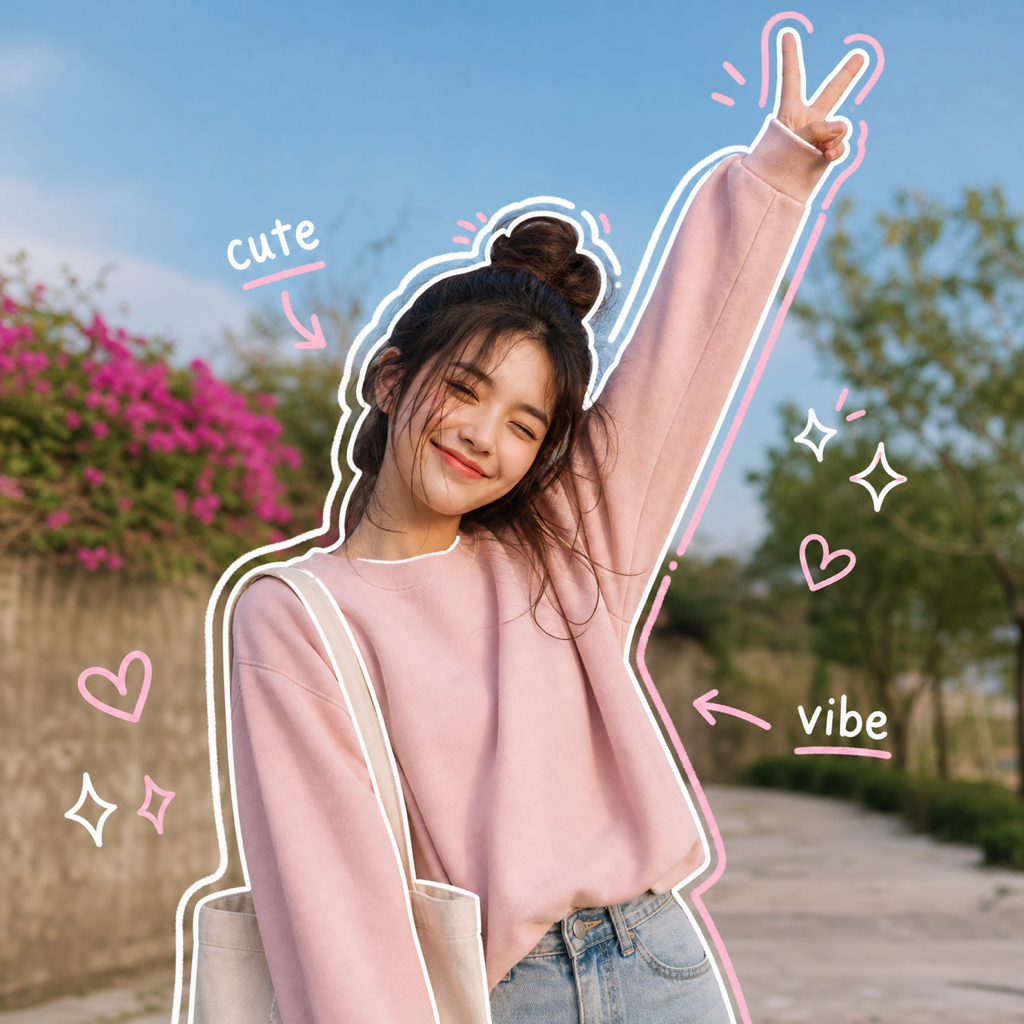
Playful Outline is an AI doodle preset that adds clean hand-drawn contour lines, arrows, hearts, sparkles, and small notes around the real subject in your photo. It is useful when you want an outline photo effect that keeps the original image visible instead of replacing it with a full drawing.
Best use cases
Playful Outline works best for photos where the shape of the subject matters. Portraits, outfit shots, travel photos, pet photos, product photos, and casual lifestyle images all benefit from a visible contour because the outline gives the image a clear focus. If someone searches for a way to turn photo into line drawing, they may expect a black-and-white sketch. This preset takes a different route: it uses line drawing as a stylish overlay while leaving the color, lighting, face, pose, and background readable.
Use it when a photo already has a good moment but needs more personality. A selfie can feel more intentional with a few contour strokes around the hair, shoulders, or hands. A travel photo can get route-like arrows and small marks that guide attention. A pet photo can become warmer when the outline follows ears, paws, or movement. A product photo can get a soft image outliner treatment without looking like a hard ecommerce cutout.
It is also a good choice for creators who want a photo to line drawing look but do not want the image to become flat. Many line drawing converter tools simplify the entire photo into edges. Playful Outline keeps the real photo underneath, so skin tones, fabric texture, scenery, and small details are not thrown away.
The preset is especially useful when you need a quick visual hook for a feed post. The outline gives the viewer an instant path through the image: first the subject shape, then the small marks, then the original photo details. That makes it stronger than a plain border and more flexible than a full AI cartoon treatment.
How it works in ClearCrowds
In ClearCrowds, Playful Outline is stored as a preset. You do not need to open a brush tool, draw around the subject by hand, or tune a long prompt. Choose the preset, upload a photo, and ClearCrowds opens the editor with the preset already selected. The prompt asks the AI to preserve the original aspect ratio, framing, subject identity, pose, lighting, and recognizable scene while adding only the doodle layer.
The output is not meant to be a plain trace. It combines outline strokes with small social-ready marks: arrows that follow movement, sparkle marks near highlights, hearts where a softer mood fits, and short handwritten labels when the composition has room. The result feels closer to a finished post than a utility edge map.
Try Playful Outline when you want the editor to start from this exact photo effect.
Tips for better results
Start with a photo that has one clear subject. The preset can work with groups or busy scenes, but a clear person, pet, object, or foreground shape gives the AI a stronger contour to follow.
Keep the image sharp enough for edges to be visible. Hair, clothing, hands, paws, bags, and product silhouettes usually create the best outline moments. If the subject blends into the background, the marks may become softer or less specific.
Avoid screenshots, heavy filters, and images with large blocks of text. The preset is designed for photos first. It can preserve existing context, but it should not be asked to rebuild unreadable text or invent a branded layout.
For social posts, leave some breathing room around the subject. Empty space gives the doodle marks somewhere to live. If the face fills the whole frame, the effect can still work, but the AI has less room for arrows and micro-labels.
FAQ
Is Playful Outline the same as a line drawing converter?
No. A typical line drawing converter turns the whole image into a sketch or edge map. Playful Outline keeps the original photo and adds a hand-drawn outline layer around the subject, so the final result still feels like a real photo.
Can it turn photo into line drawing for portraits?
It can create a photo to line drawing style for portraits, but the goal is an expressive outline photo effect rather than a plain monochrome drawing. Faces, pose, hair, and outfit cues stay visible under the doodle layer.
What kinds of photos should I avoid?
Very blurry photos, extremely dark photos, and images with many overlapping subjects are harder to outline cleanly. The preset works best when the main subject has a clear shape.
Will the preset crop or square my photo?
The preset prompt asks ClearCrowds to preserve the original aspect ratio and canvas orientation. It is designed as an overlay effect, not a forced square collage.