What is Everyday Notes?
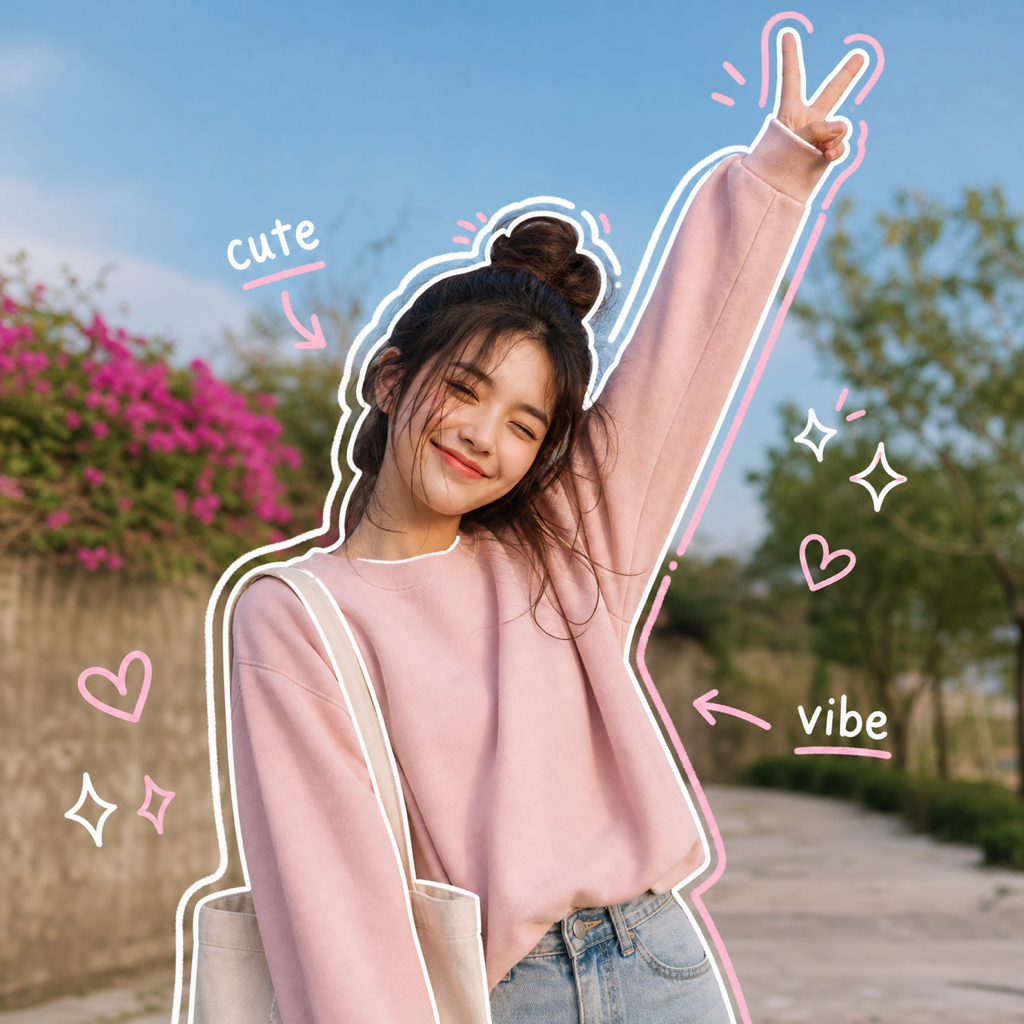
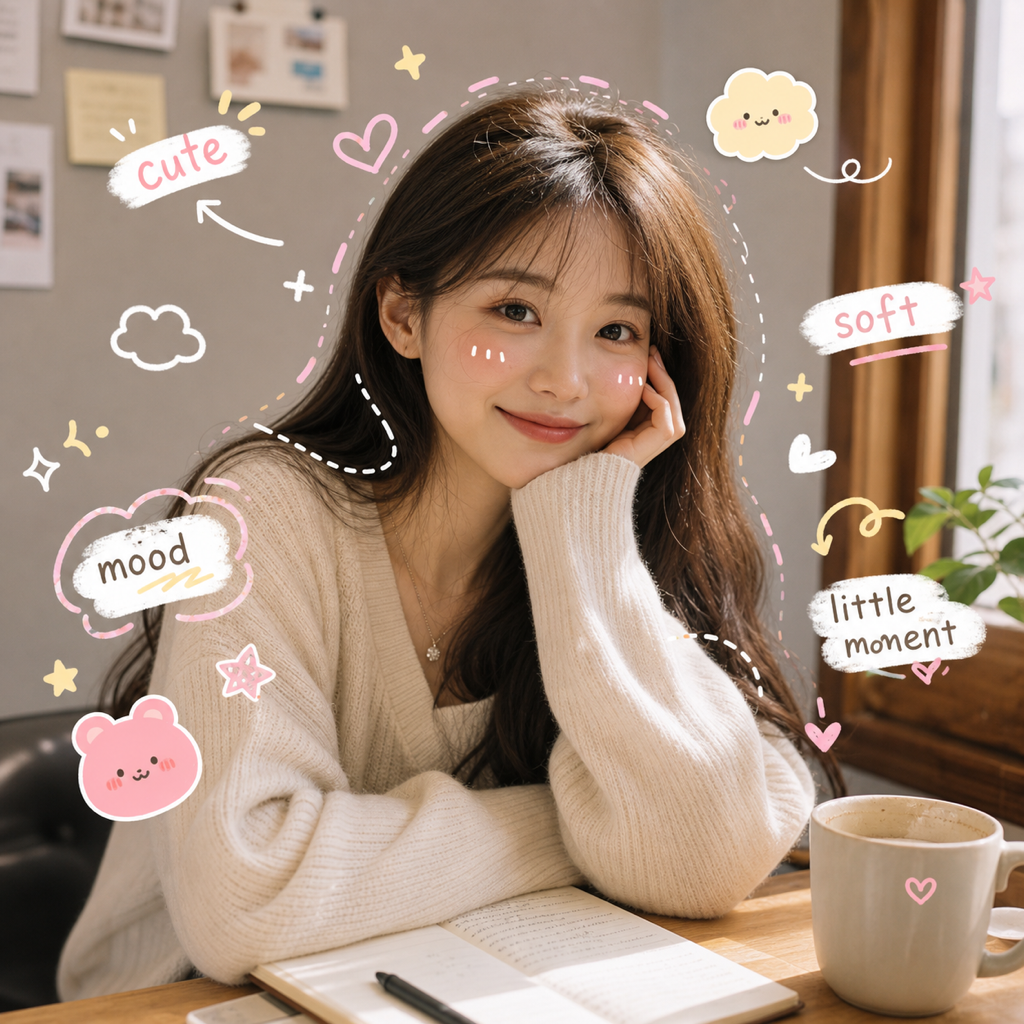
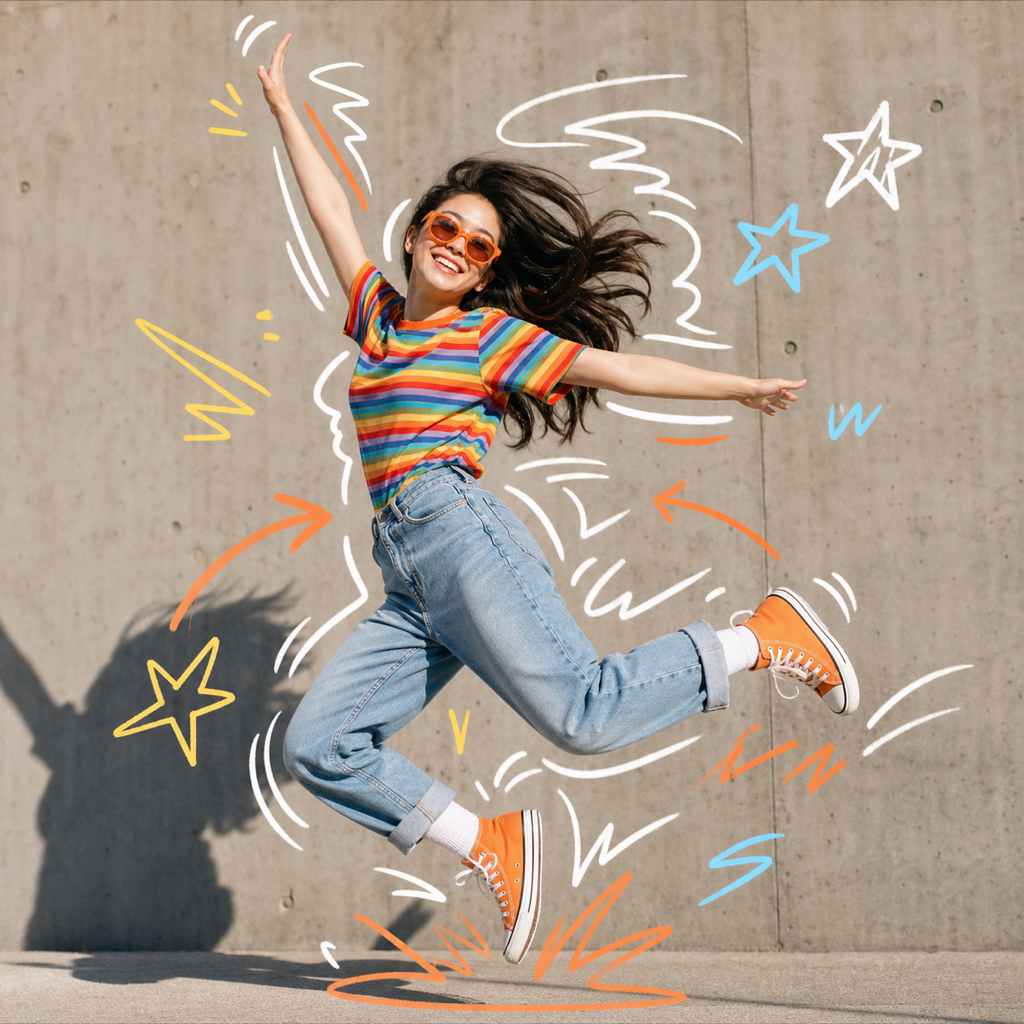
Everyday Notes is an AI preset for adding handwritten doodle notes to photos without manually drawing on the image. It places soft arrows, dashed lines, stars, tiny faces, hearts, underlines, and short mood labels around details that are already visible in your upload.
Best use cases
Everyday Notes is for people who like the look of hand annotation but do not want to open a drawing app, pick a brush, and decorate the image one stroke at a time. It fits the search intent behind draw on photo and doodle on photos, but it makes the workflow much faster: upload a photo, choose the preset, and let the AI build the note layer.
Use it for casual posts where the moment matters more than a dramatic transformation. A cafe photo can get tiny mood notes around the cup, table light, or outfit. A bedroom mirror selfie can get arrows and labels that call attention to the look without turning the picture into a fashion poster. A pet photo can get soft marks that feel like a diary entry. A product or workspace photo can get easy doodles that make the frame feel more human.
The preset is intentionally gentle. It is not trying to cover the image with heavy graphics. It adds enough handwriting to make the photo feel designed while keeping the original subject, background, and lighting readable. That makes it useful for creators, small brands, students, scrapbook pages, and anyone who wants a warm social edit without a complicated toolchain.
It also fits recurring content formats. A creator can use Everyday Notes for weekly photo dumps, personal recaps, study posts, outfit checks, desk setups, mood boards, and simple behind-the-scenes updates. Because the effect is light, it does not force every upload into the same poster layout. The notes feel connected to the image but still leave room for the caption to do the longer storytelling.
How it works in ClearCrowds
ClearCrowds stores Everyday Notes as a repeatable preset. When you choose it, the editor receives a prompt that asks the AI to preserve the original aspect ratio, identity, lighting, and composition. The doodles should respond to the real focal points in the upload instead of adding fixed objects or generic decorations that ignore the photo.
The seed prompt also supports a small note word set. That means the notes can stay short, mood-based, and flexible rather than forcing one exact phrase onto every image. The preset may use arrows, hearts, stars, dashed lines, underlines, and tiny labels, but it should not invent specific products, place names, or brand names when they are not already present.
This makes the preset different from a blank drawing canvas. A manual app asks you to decide where every mark belongs. Everyday Notes starts from the image itself. It reads the visible composition and adds small marks where they can help the viewer notice the moment, not where a template says a sticker should go.
The result is useful when speed matters. You can test a warm annotated version of a photo before deciding whether it belongs in a post, carousel, profile update, or scrapbook layout.
Try Everyday Notes if you want a photo to feel annotated without hand-drawing every mark.
Tips for better results
Choose a photo with a few visible details. Everyday Notes works well when the AI can see a face, outfit, pet, plate, desk, flower, window, bag, or other natural points of interest. The marks become more meaningful when they have something real to react to.
Use images with enough blank space for notes. The preset can add small marks around a close portrait, but a little wall, sky, table, floor, or background space gives the handwritten layer room to breathe.
Keep expectations light. This is not a technical annotation tool for labels, diagrams, or precise callouts. It is a social image effect for easy doodles, soft comments, and casual storytelling.
If you want stronger poster energy, choose a bolder Doodle preset. Everyday Notes is best when you want the image to stay natural and personal.
FAQ
Can I draw on photo uploads manually with this preset?
Everyday Notes is designed to avoid manual drawing. You upload the image and ClearCrowds generates the handwritten note layer automatically. You can still continue editing afterward if you want another pass.
Does it work for doodle on photos content?
Yes. The preset is built for photos that need soft doodles, short notes, arrows, stars, hearts, and small handwritten marks while keeping the original image visible.
Are the labels fixed?
No. The preset uses flexible mood words and scene-aware marks. It should not force the same object labels onto every photo.
What is the difference between Everyday Notes and Kawaii Notes?
Everyday Notes feels like warm handwriting in a casual diary. Kawaii Notes leans cuter, softer, and more sticker-like, with tiny faces and a stronger cute doodle mood.