Travel photography
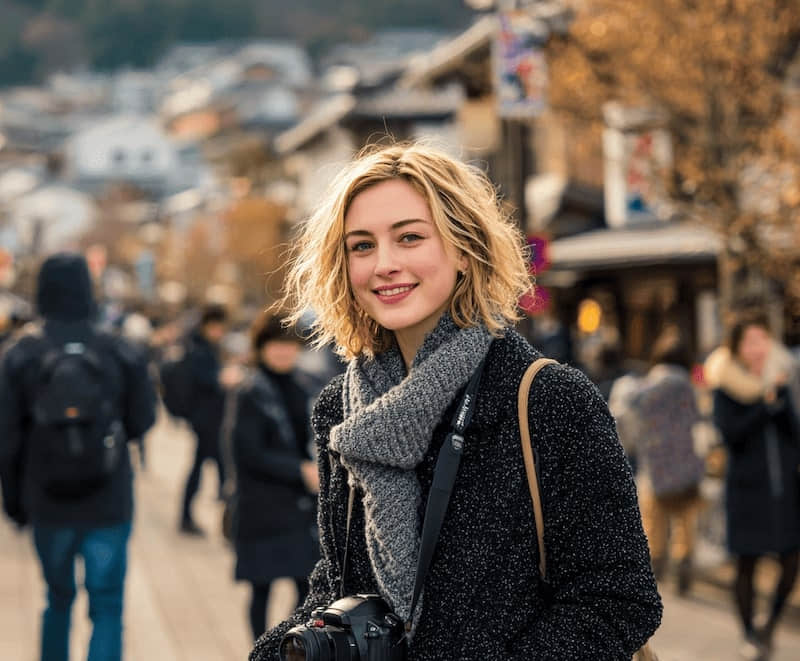
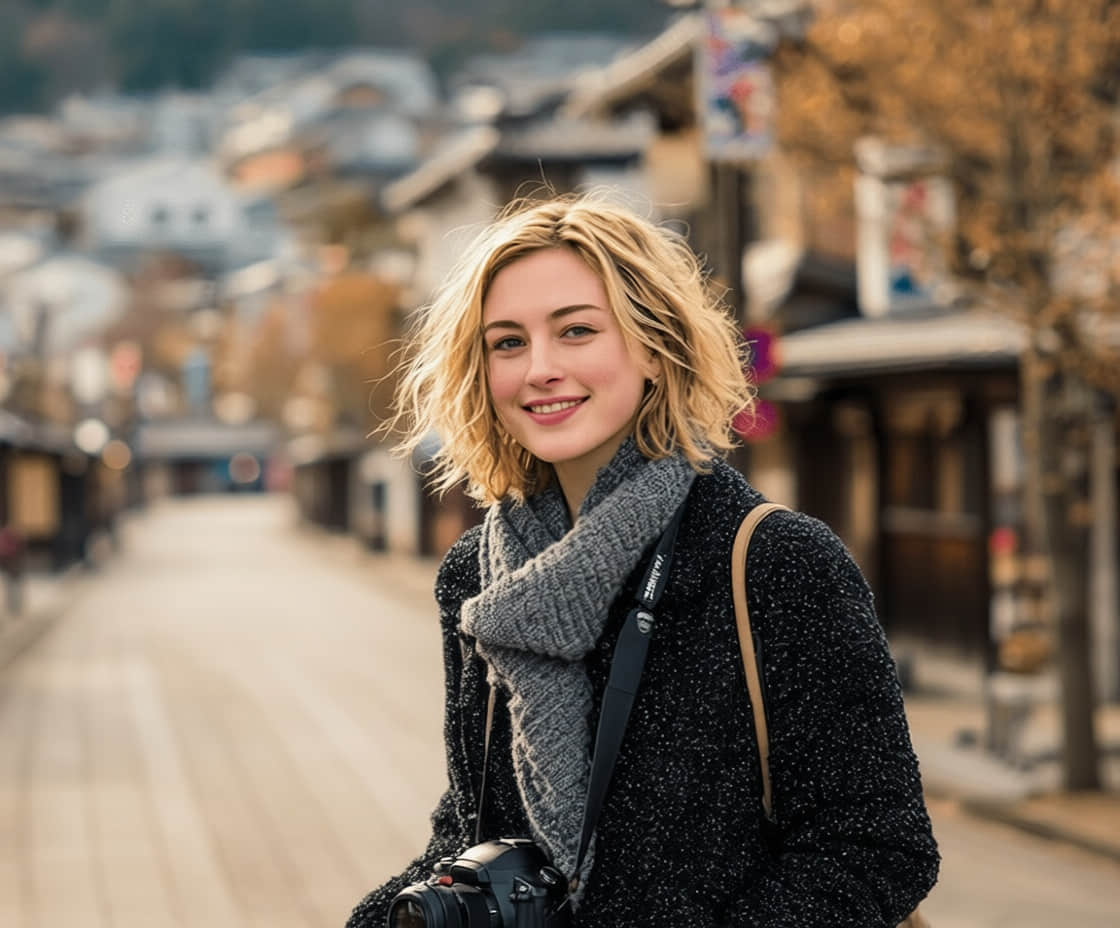
Keep the view and the people you care about. Remove the strangers who happened to walk through the frame.
Use AI to clean, retouch, and transform photos into the look you want, without opening a complex editor.
Upload a batch, apply one cleanup, and review every result together.
OCR finds the text. Select a word, number, or date, then replace it without rebuilding the design.
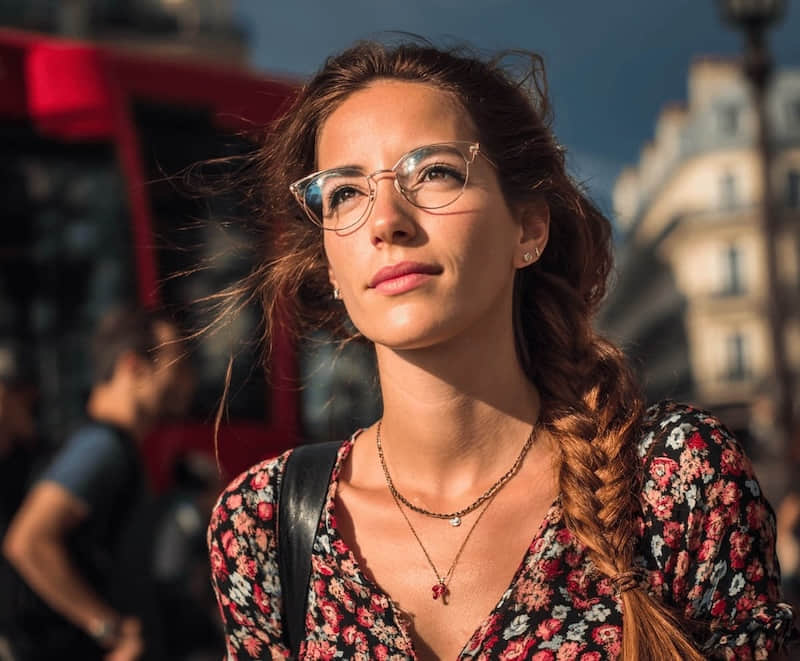
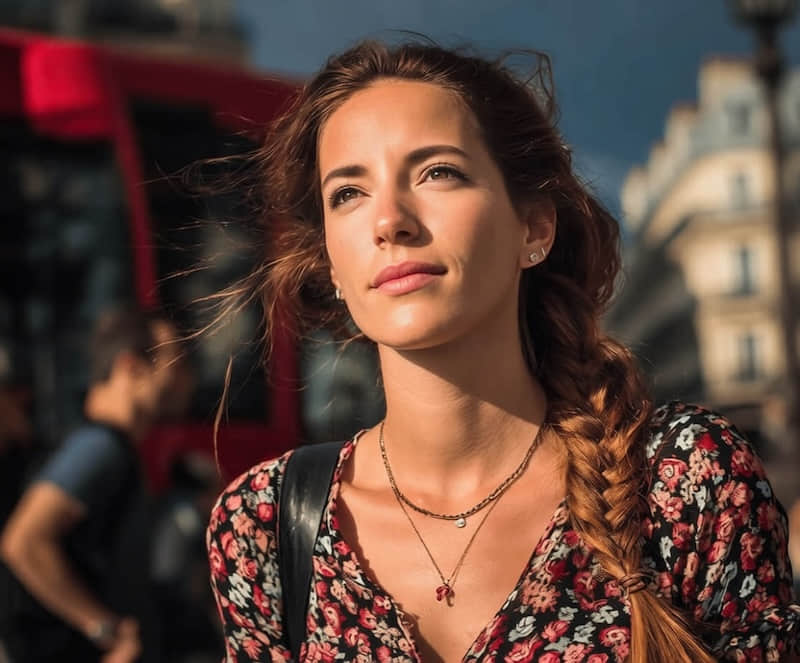
Edit TextClean people, clutter, emoji, glasses, objects, and shadows while keeping the rest of the image intact.
Straighten a photographed page, crop the surroundings and reduce uneven light. Choose color, grayscale or black and white, then review the result before downloading an image or a single-page PDF.
Combine scans into one PDFRead the photo to scan guideKeep the view and the people you care about. Remove the strangers who happened to walk through the frame.
Clean the messy edge of a product shot before it becomes a listing image, marketplace photo, or ad creative.
Take a room that is almost ready and remove the details that make buyers focus on the mess instead of the space.
Use the API, CLI, or Agent skill to run the same image-aware edits from your own workflow.
$ clearcrowds edit room.jpg \
+  --instruction "remove clutter"

✓ image understood
✓ edit completed
→ room-clean.jpg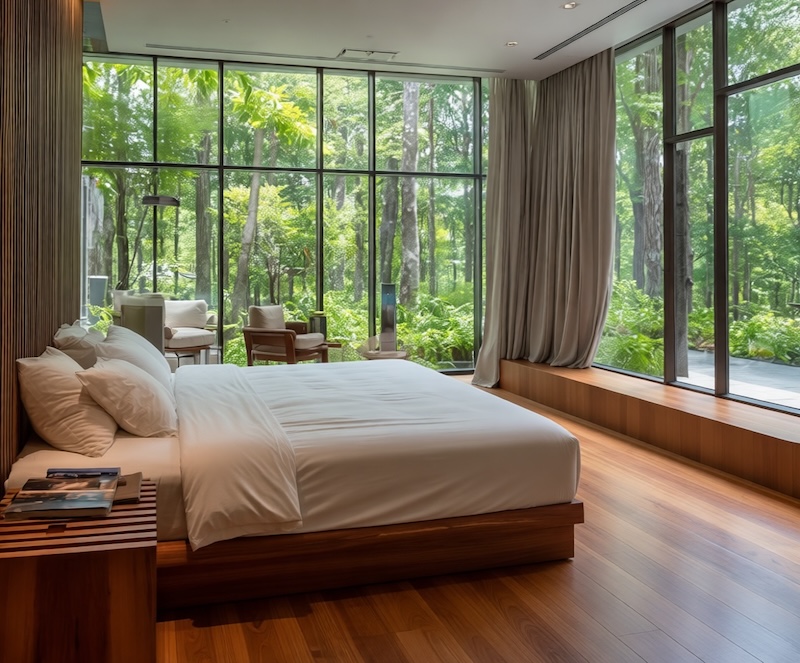
Purpose-built cleanup paths reduce guesswork before editing
Before/after examples set realistic expectations for each tool
The same visual system carries from website to app entry credits
Preview-first messaging keeps the product promise believable
Straighten a photographed page, crop the surroundings and reduce uneven light. Choose color, grayscale or black and white, then review the result before downloading an image or a single-page PDF.
Reduce unwanted phone, hand and window shadows in document and product photos. Compare the result with the original before saving, especially where shadows cover text or fine detail.
ClearCrowds uses AI to remove selected unwanted areas from a photo, then fill the missing background with generated detail. Results vary by scene complexity, image quality, and the size of the removed object.
Yes. ClearCrowds is built for product, travel, portrait, and real estate cleanup workflows. Review the current app terms before using edited images in commercial campaigns or resale contexts.
ClearCrowds supports common web image formats such as JPG, PNG, and WebP. The app shows current upload limits and export options during the editing flow.
Your photo is uploaded for processing and may remain in edit history after the session. This workflow has no fixed automatic deletion deadline.