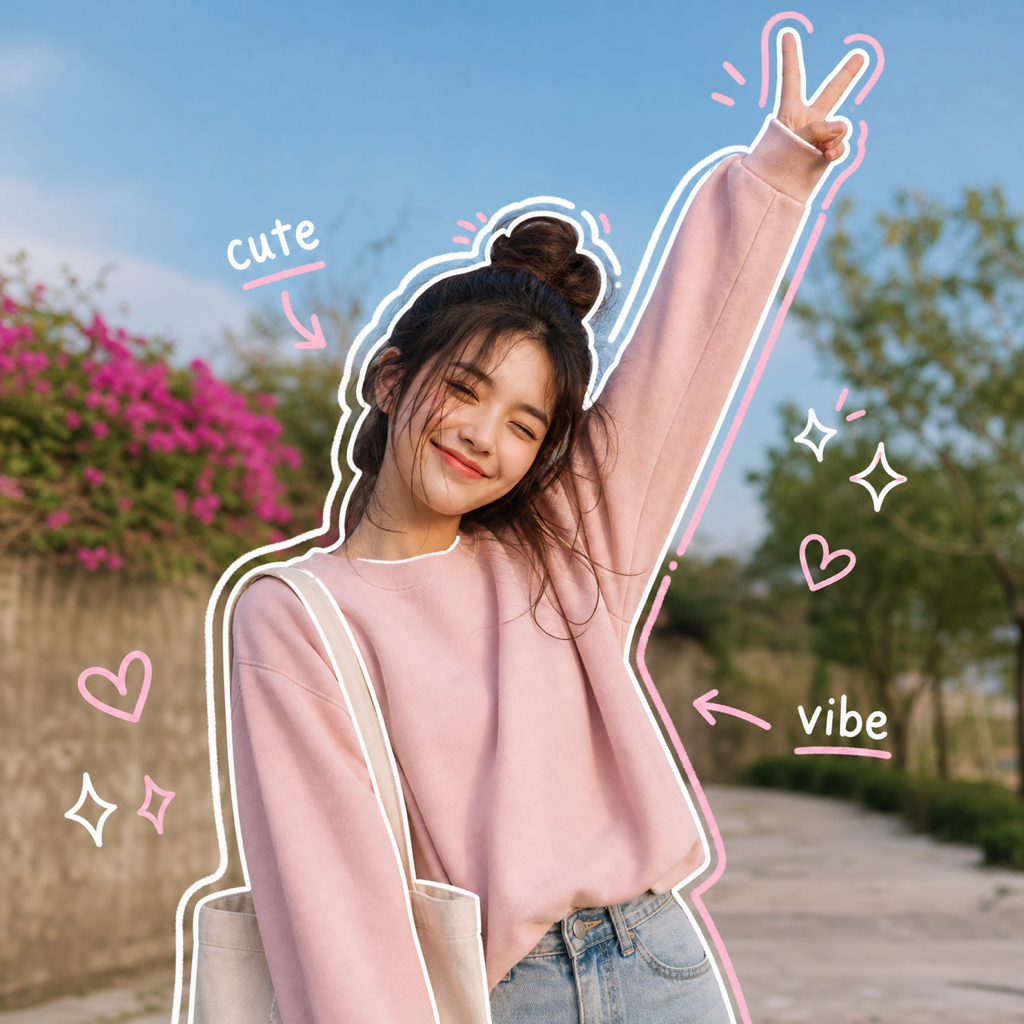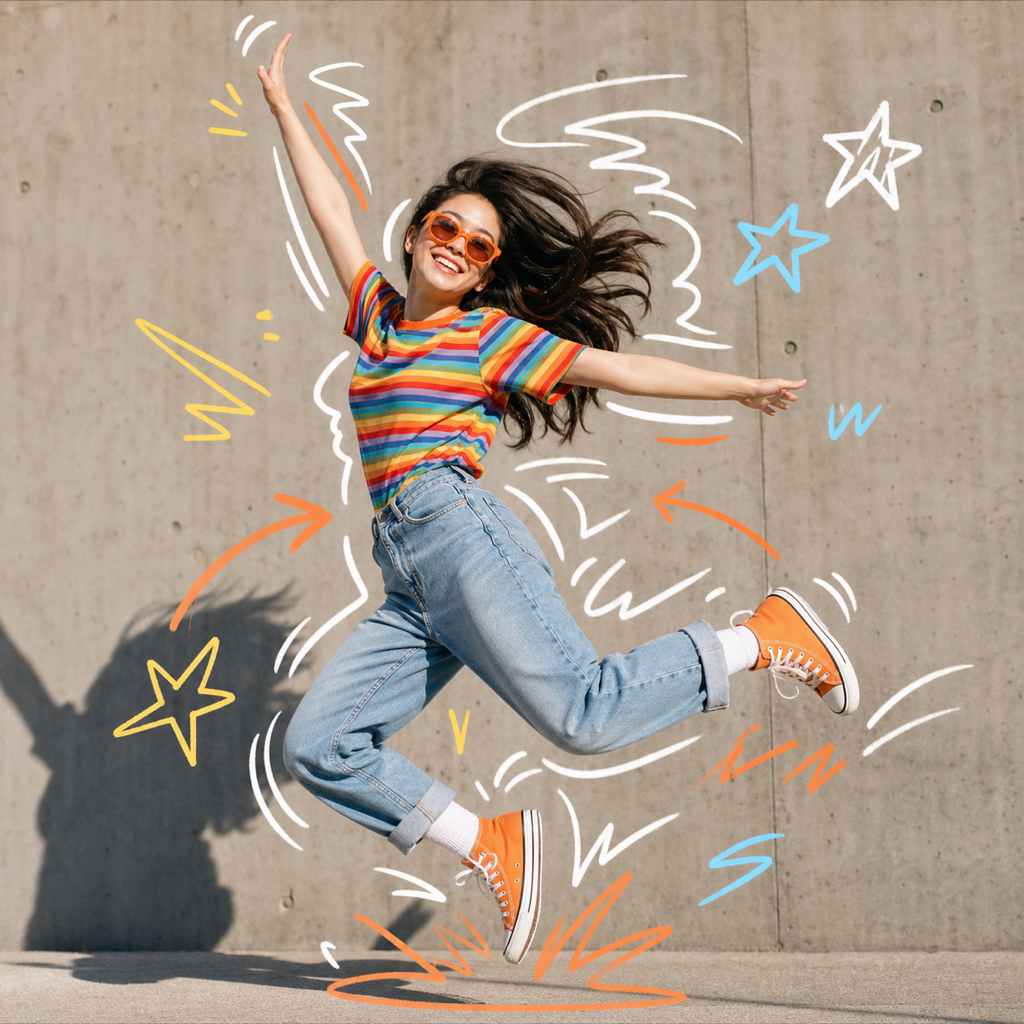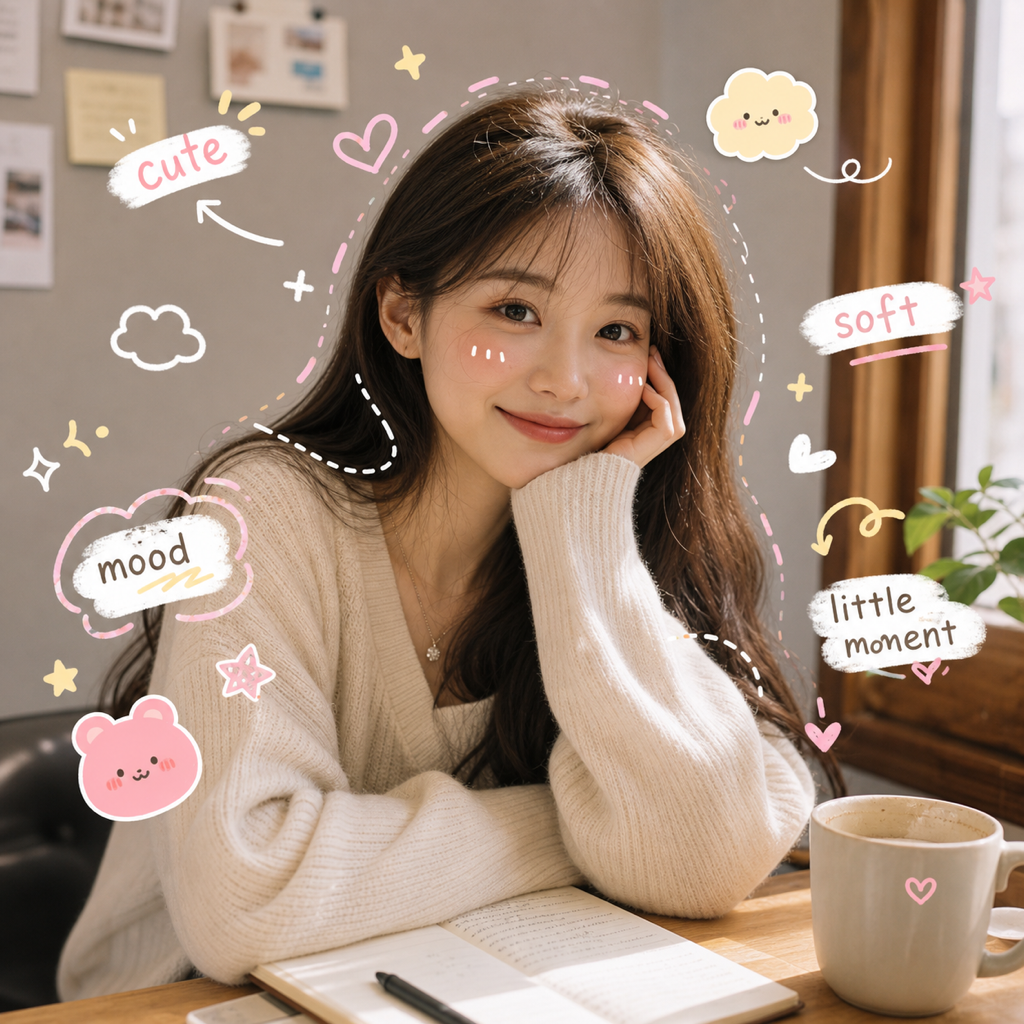
What is Kawaii Notes?
Kawaii Notes is an AI doodle preset that adds cute faces, soft stickers, stars, hearts, and gentle handwritten labels around your photo. It is made for people who like cute doodles to draw but want ClearCrowds to create the look automatically from a selfie, pet photo, or everyday moment.
Best use cases
Kawaii Notes works best when the goal is charm, not drama. It is a good fit for selfies, pet portraits, friend photos, outfit checks, room snapshots, study desk photos, food memories, and small product images that need a softer social style. The preset takes inspiration from aesthetic doodles and cute simple doodles, but it applies them as a polished photo effect instead of a blank-page drawing exercise.
Use it when a photo feels a little plain but already has a sweet subject. A pet photo can get tiny stars, heart marks, and soft labels without losing the animal's expression. A selfie can get small face marks, sparkle points, or diary-style notes around the edges. A product photo can feel more personal when the stickers are light and friendly rather than loud.
Kawaii Notes is also helpful for creators who want a repeatable cute style across posts. Instead of trying to draw a consistent set of doodles each time, the preset gives ClearCrowds a stable direction. The output can vary with each upload, but the visual language stays cute, soft, and easy to understand.
The same style can support personal and brand images without feeling too formal. A small shop can use it for cozy product moments, a student can use it for study notes, and a pet owner can use it for playful memories. Because the preset keeps the real photo underneath, the cute layer works as decoration and framing rather than a total replacement for the original moment.
How it works in ClearCrowds
When you select Kawaii Notes, ClearCrowds sends the uploaded image into the editor with the preset prompt attached. The prompt asks the AI to preserve the main photo, keep text short and legible, and place the cute marks around naturally visible focal points. It should not label random object types or invent a fixed scene that was not in the original upload.
The doodle layer usually includes soft stickers, stars, hearts, tiny smiling faces, and small note words. These elements are meant to support the photo, not cover it. Because the preset is scene-aware, a pet image, a portrait, and a desk photo should not receive exactly the same decoration pattern.
That scene-aware behavior is important for aesthetic doodles because the cutest result usually feels placed, not pasted. A heart near an expression, a sparkle near a highlight, or a tiny label near an object can make the edit feel personal. Random stickers can look busy, but a light kawaii layer can make the subject feel more noticed.
Try Kawaii Notes when you want a cute edit that starts from your actual photo.
Tips for better results
Use a clear, bright photo with a subject that can carry a cute mood. Pets, faces, flowers, cozy rooms, stationery, desserts, and lifestyle objects usually work well.
Leave some negative space. Cute marks need room around the subject. If the image is cropped too tightly, the AI may place details on top of important parts of the photo.
Avoid asking for too much text. Kawaii Notes is strongest with short mood words and small labels. Long captions are better added separately in your social app or design tool.
If you want a more editorial collage, use another Doodle preset such as Vintage Poster or Fashion Contact Sheet. Kawaii Notes is intentionally softer and more minimal.
For a consistent series, reuse similar source photos. Similar lighting, crop, and subject distance help the kawaii layer feel more cohesive across multiple posts. You can still vary the image content, but keeping the source style steady gives the AI more predictable space for hearts, stars, and small note marks.
FAQ
Is Kawaii Notes for cute doodles to draw?
It is for the same visual intent, but the workflow is automatic. Instead of drawing cute doodles by hand, you upload a photo and ClearCrowds generates small kawaii-style marks around it.
Can it create aesthetic doodles on selfies?
Yes. Selfies are one of the strongest use cases when the face is clear and there is enough space around the subject for soft marks.
Does it work on pet photos?
Yes. Pet photos often work well because ears, paws, faces, and poses give the AI natural places to add cute simple doodles.
Will it make the image childish?
The preset is cute, but it is not meant to be messy. It aims for soft, social-ready decoration that keeps the original photo polished.